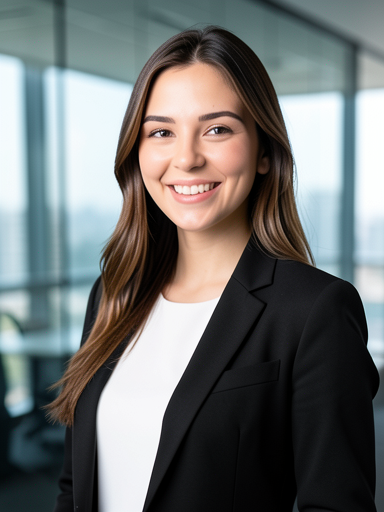
Office Pro Modern corporate office portrait with a tailored blazer and clean glass-office lighting.
Upload selfies or a regular portrait and Fotve helps create a professional headshot for LinkedIn, CVs, websites, and work profiles.
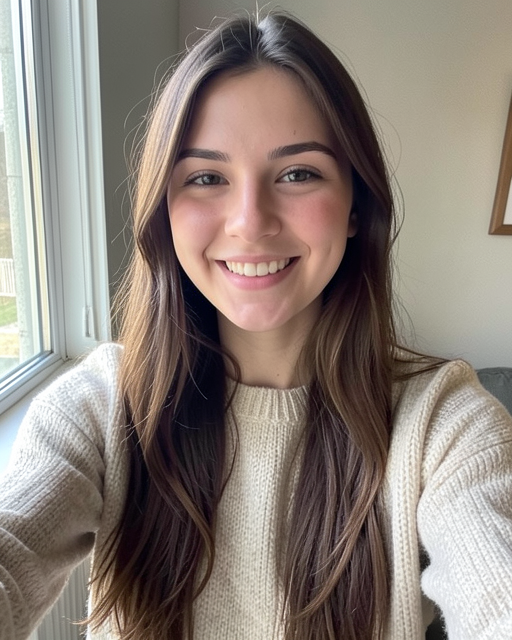
The examples below were generated through the connected AI service and show several headshot styles.
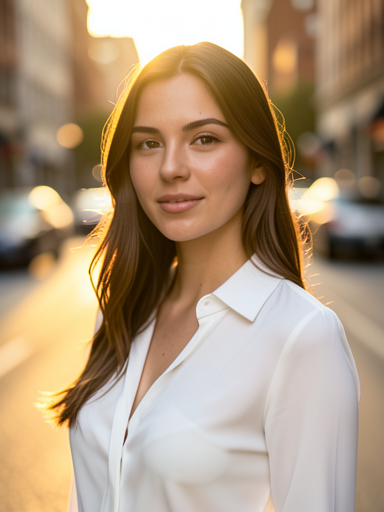
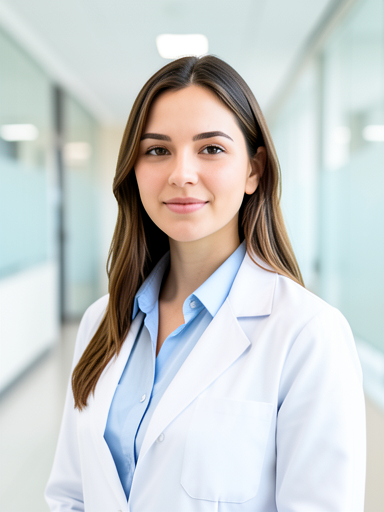
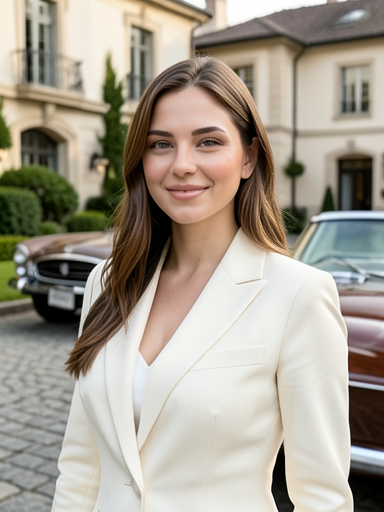
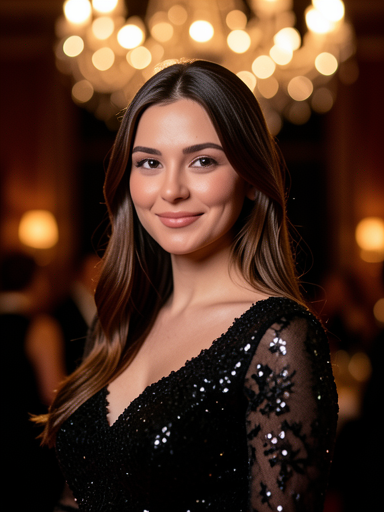
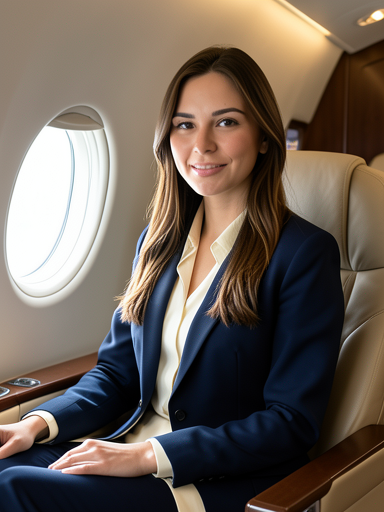
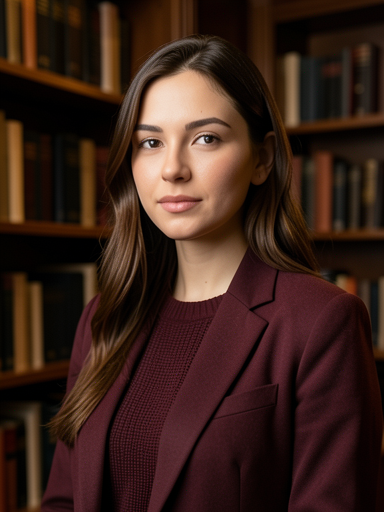
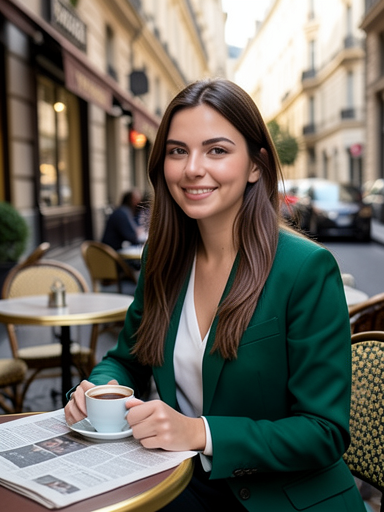
This is not just a filter. Headshot mode analyzes the face, lighting, and context, then creates a new professional scene with realistic photographic rendering.
The system uses the main canvas photo and can consider extra references for a stronger likeness.
AI builds studio lighting, background, wardrobe, and composition for the selected style.
The result opens in Fotve Editor, where you can inspect details, try another style, and finish manually.
 Creative
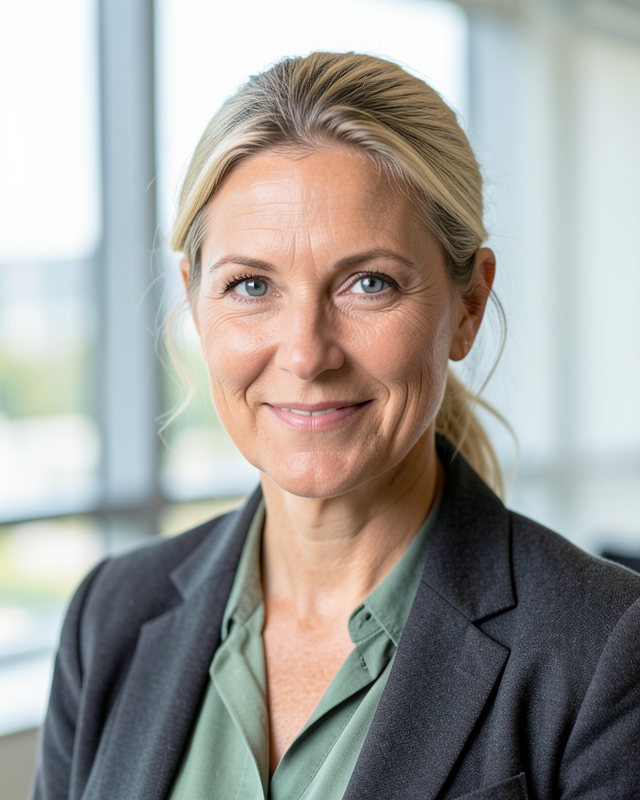 Team lead
 Healthcare
Best with 2-3 clear photos: front-facing, slight angle, and neutral light.
Pick office, founder, healthcare, consultant, or another headshot preset in the editor.
Save the best result, crop it for your profile, and export in the format you need.
The photos look clean and professional. I used the result for LinkedIn and my resume.
I uploaded a few photos, picked a style, and got options without booking a shoot.
The best part is that the result opens in the editor, so I can still fix details.
The options feel like studio headshots, not a heavy filter.
Short answers about AI headshots, uploaded photos, and the final result.
You open a photo in the editor, choose a headshot style, and AI creates a professional portrait based on the visible person.
Photos are used to open the working canvas and generate the result within your editor session.
Exported results are intended for your use in profiles, CVs, websites, and work materials.
Try another style, add one more reference, or adjust the prompt in the editor.
Generation usually takes a few minutes, depending on service load and image size.
It depends on input quality. A clear face and neutral light produce the most stable options.
Yes. The page and presets are designed for LinkedIn, CVs, team pages, websites, and email signatures.
Fotve uses the connected image-generation flow in the editor so it can work with your photo and provide finishing tools immediately.
Upload a photo, open headshot mode, and choose a style that fits your work.