Enter details
Add contact details, work history, education, skills, languages, and a short candidate profile.
Fill in the essential sections, choose a clean template, and prepare a resume that is easy for recruiters to scan and simple to update later.
 Fotve ExperienceEducationSkillsLanguages
The flow follows modern CV builders: content first, template second, final version last.
Add contact details, work history, education, skills, languages, and a short candidate profile.
Pick a classic, modern, minimal, or creative layout for your role.
Export the finished CV and return later when you need to update experience.
Different visual directions, all built around readability, hierarchy, and fast scanning.
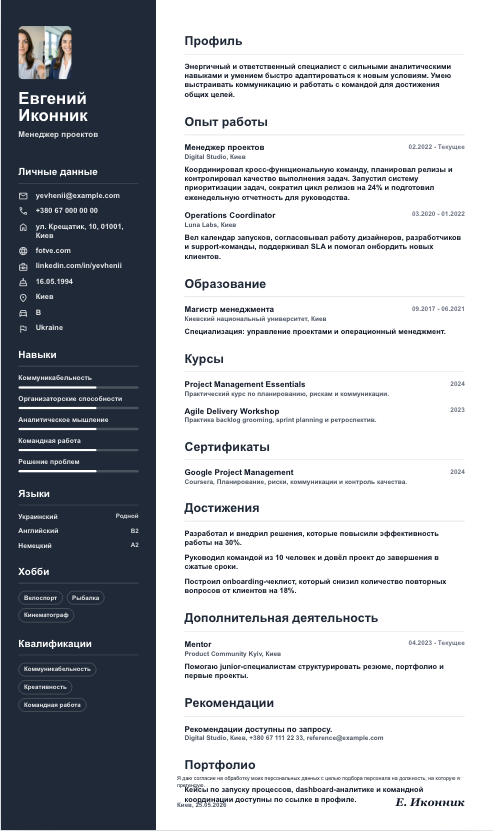
Dark sidebar and strict sections for management roles.
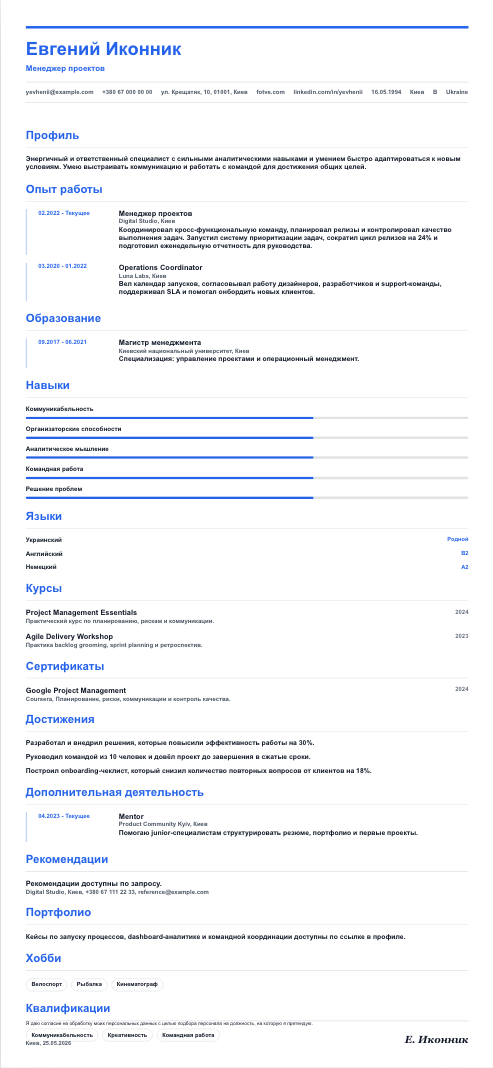
Sequential career timeline for experience with clear progression.
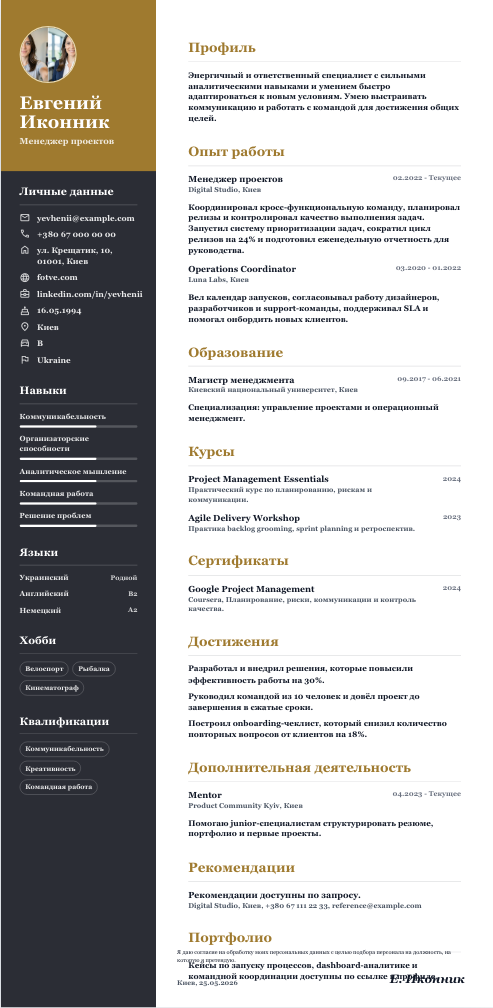
Serif, gold, and a warm column for a premium look.
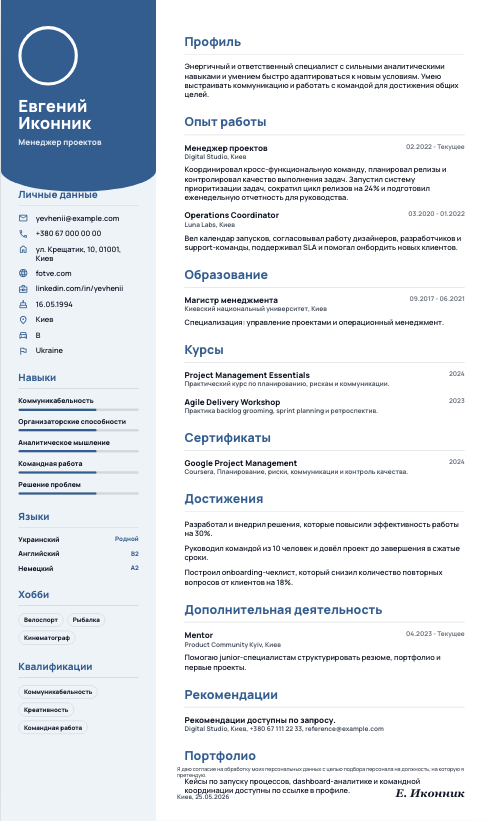
Soft sidebar and circular photo for service and HR roles.
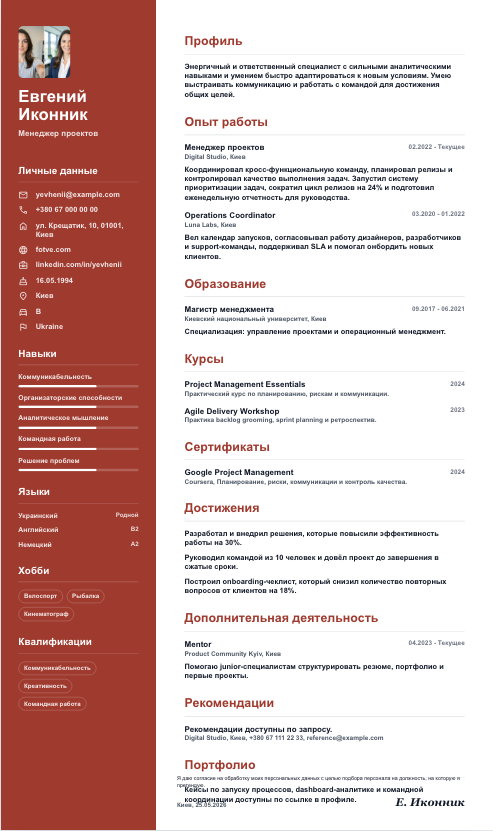
Accent sidebar for digital, product, and tech positions.
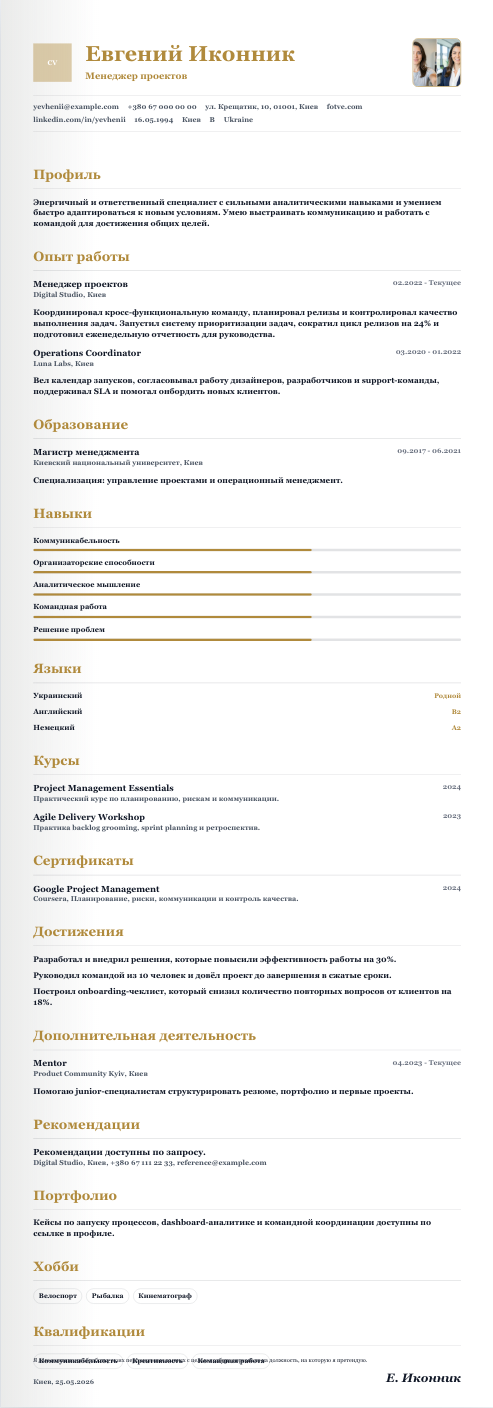
Premium typography for executives and consultants.
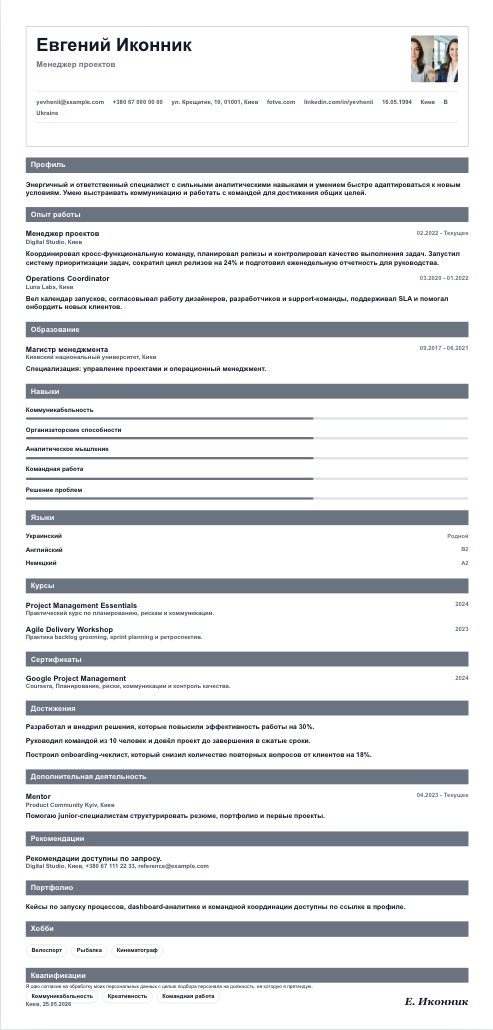
Structured table-like layout for office, legal, and finance jobs.
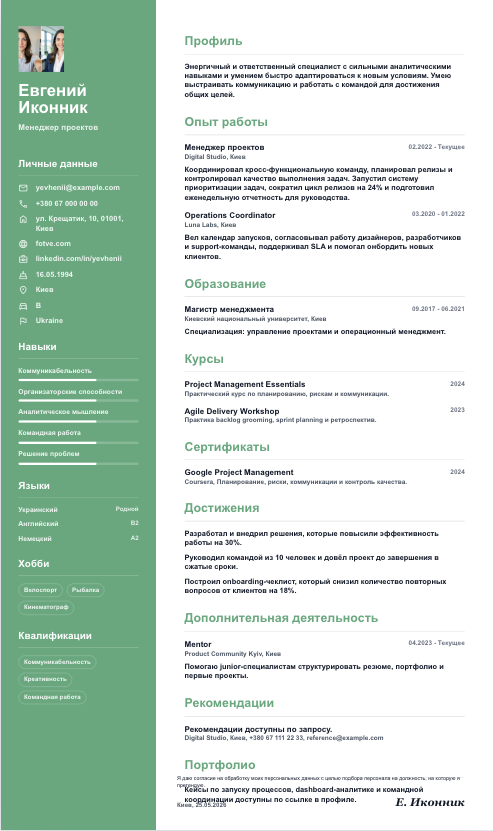
Readable sidebar for daily applications.
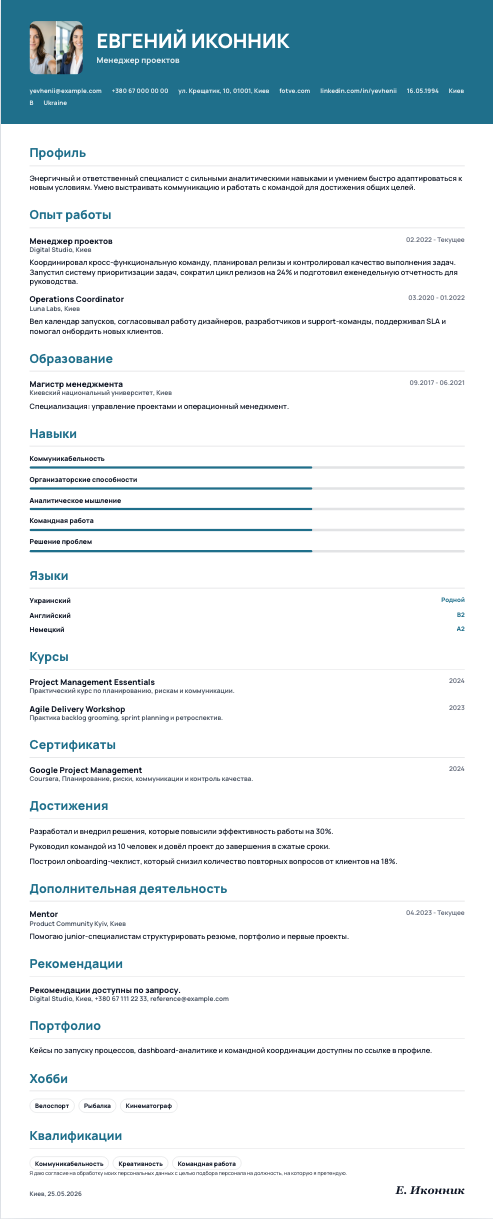
Wide top header with a photo for a strong first block.
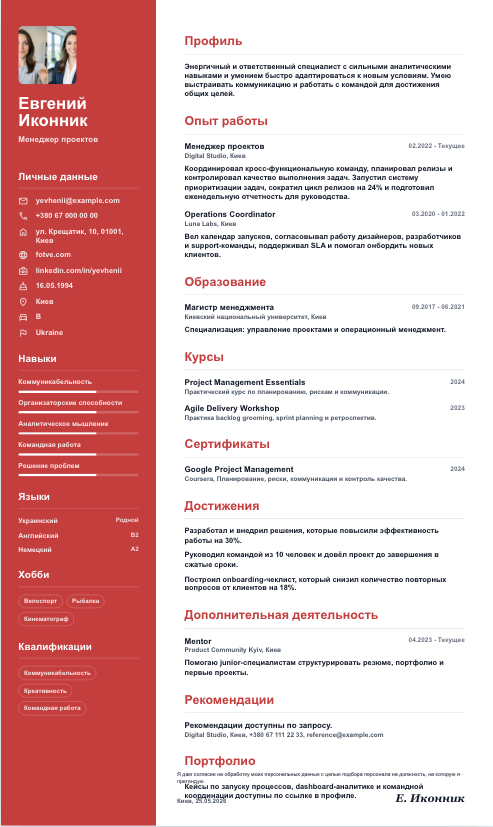
Vertical accent column for a distinctive profile.
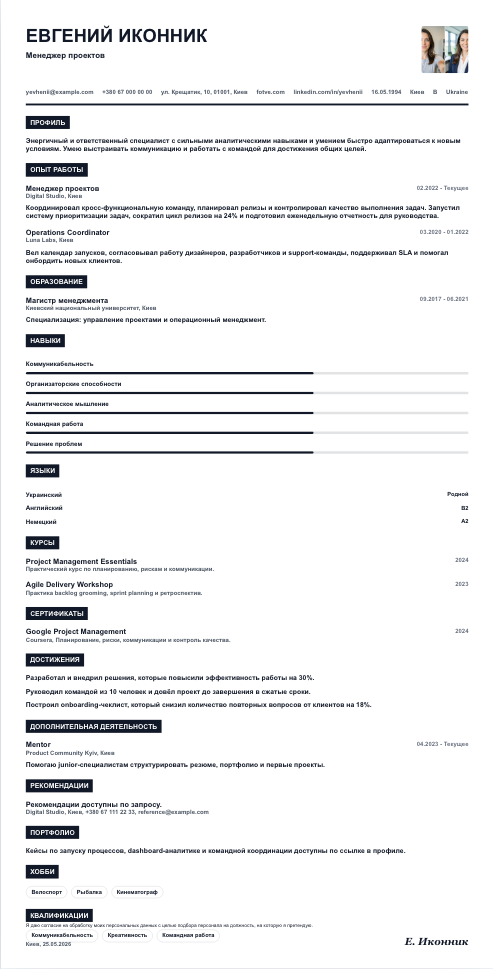
Sharp grid and black section labels for a compact CV.
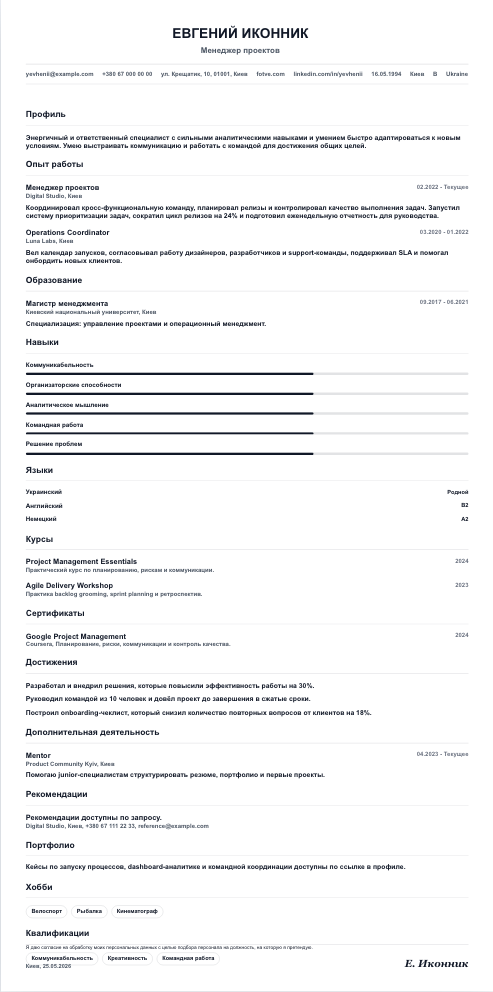
Clean ATS-first document with minimal decoration.
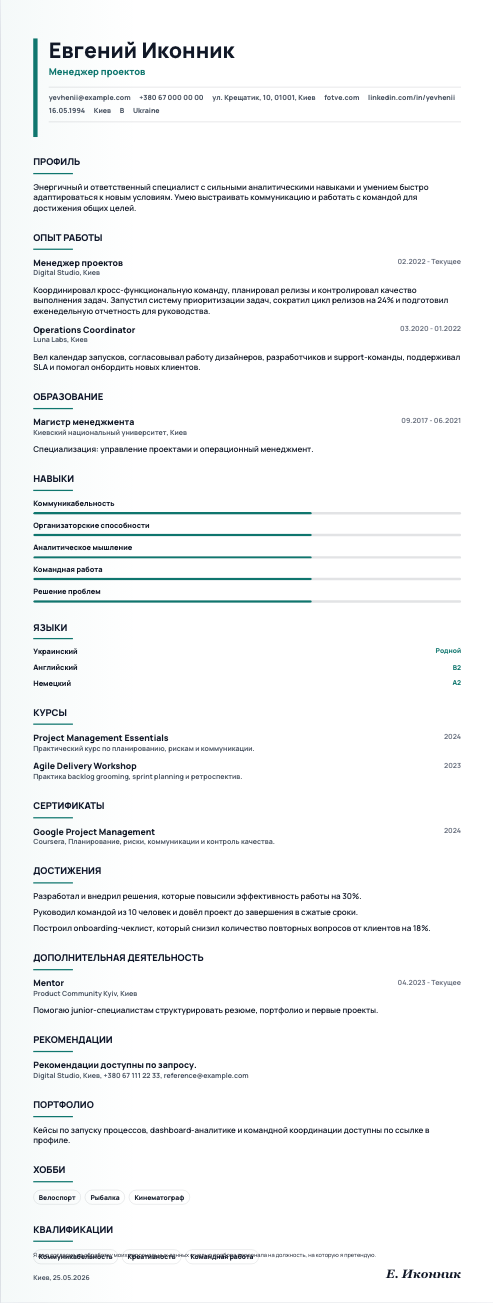
Airy spacing and a calm accent for concise resumes.
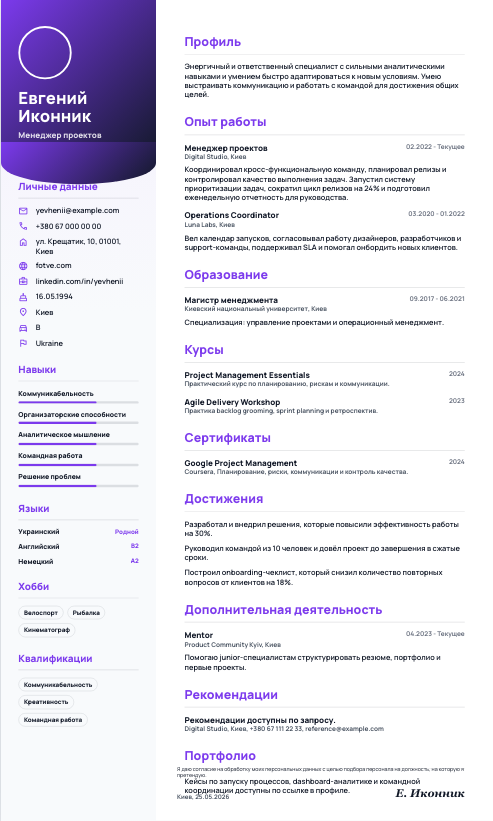
Expressive sidebar for portfolios and creative fields.
A CV or resume is a structured overview of your experience, education, skills, and contact details for job applications.
Most jobs work best with a clean template, clear headings, enough spacing, and minimal decoration.
Yes. You can update details, change the template, photo, and sections, then download the PDF again.
Add a photo only when it is expected in your country or field. You can upload any photo, and the Fotve editor will help make it look like a professional photoshoot.
Keep the document focused. Write concrete details: role, result, tools, and numbers, then match skills to the position you are applying for.
Open an A4 canvas, add text, photo, sections, colors, and prepare the resume for export.