Prepare a small photo for a large canvas, print, or ad banner.
Improve photo quality without complex editing
Upload a blurry, compressed, or old photo and turn it into a sharper result in Fotve Editor. Upscale helps restore detail, crisp edges, and image quality for posts, profiles, ads, and print.
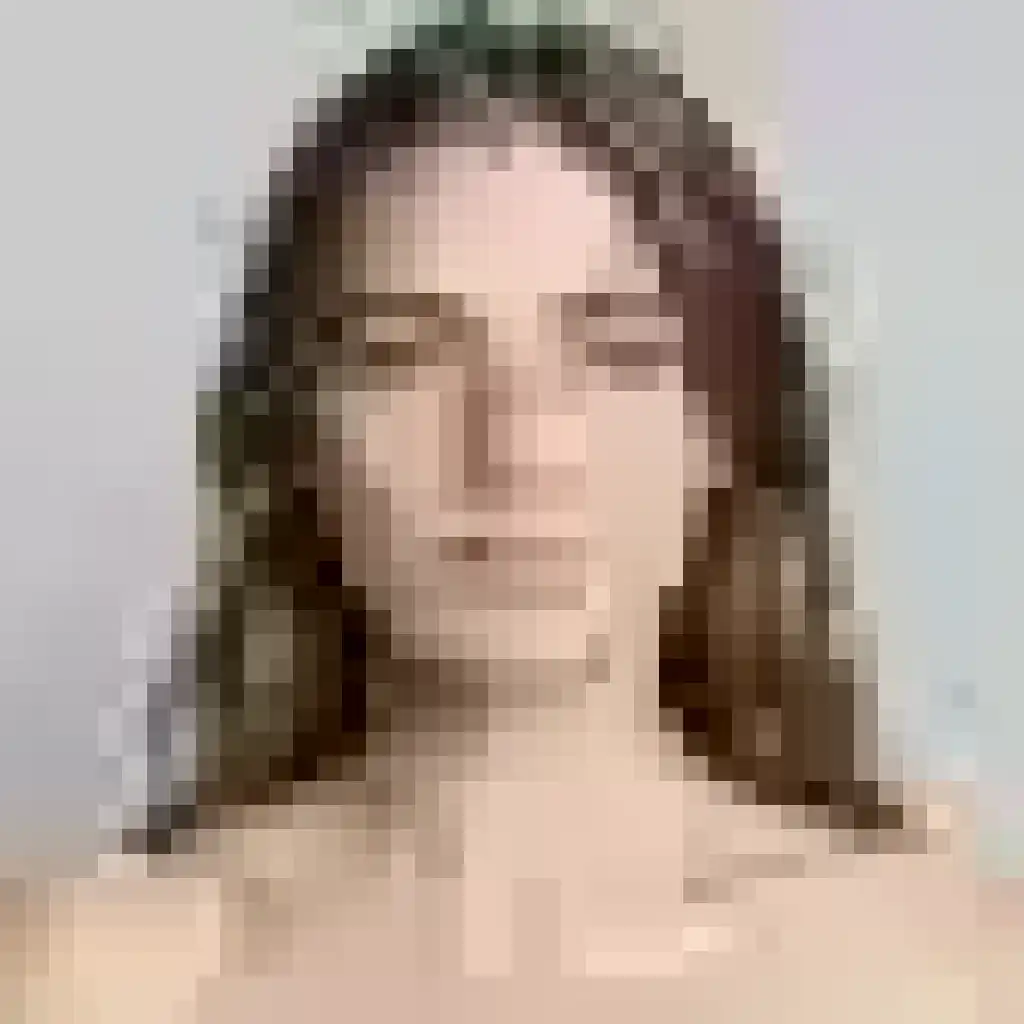
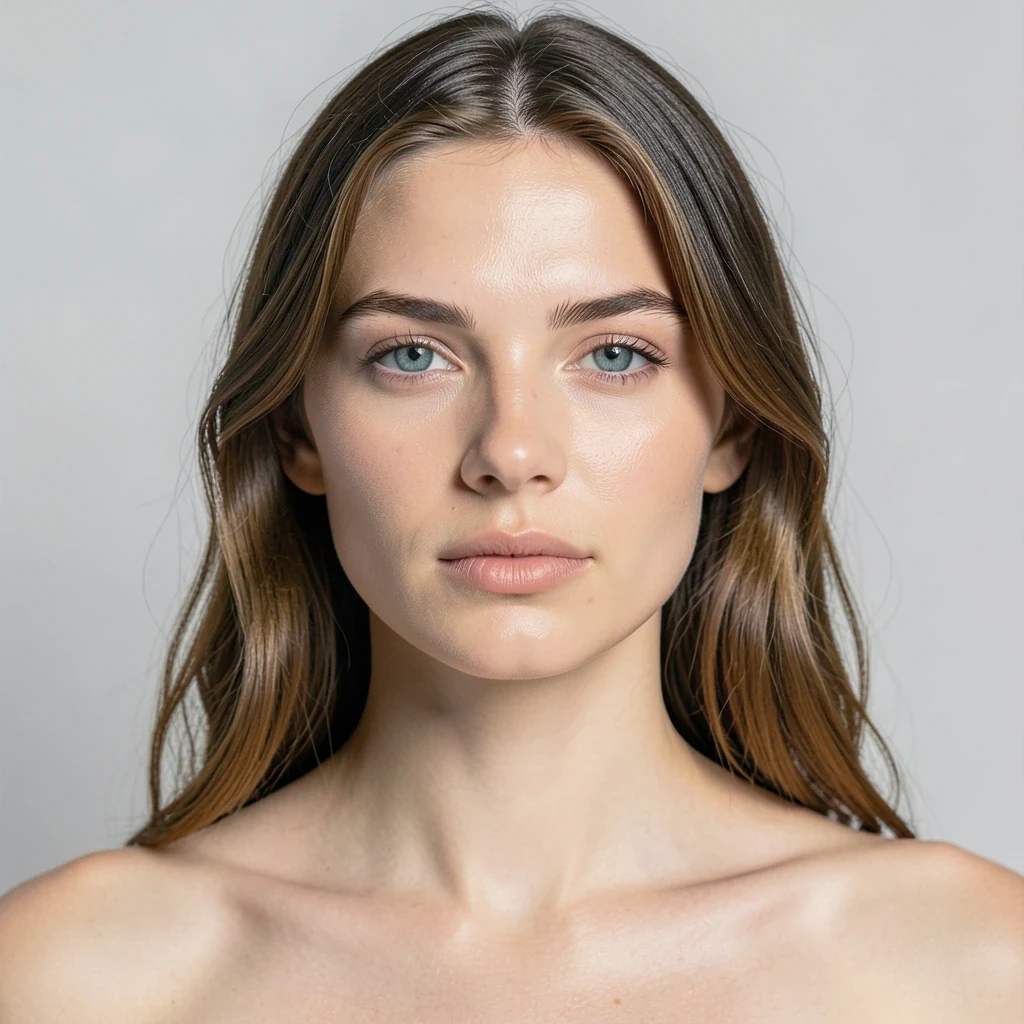
Turn a poor source into a clean file for posts, print, or ads
Upscale helps when a photo lost quality after messengers, an old camera, cropping, or repeated saving. The comparison shows how a small, blurry file can become clearer for a profile, post, ad, or print.
AI helps reduce JPEG compression, noise, and muddy detail.
The file opens as a layer, so you can add text, background, shadow, or export the result.
 Before · 128px
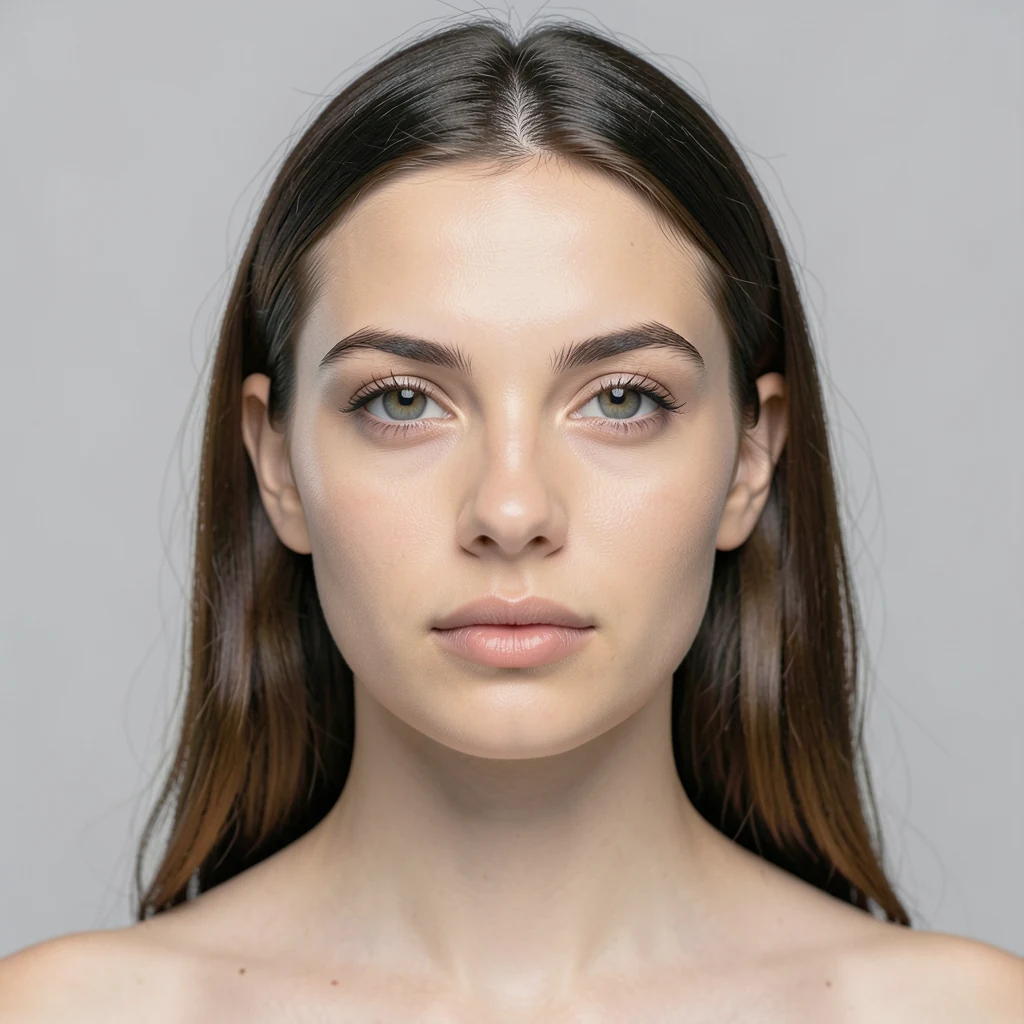 After · 1024px
4K ready
128px → sharp 1024px photo
01
Low quality source
A 128px image blurs hair, skin texture, eyes, and facial edges.
02
AI restores detail
Upscale enlarges the image, strengthens edges, and brings back the feeling of a crisp photo.
03
Ready result
The 1024px output has sharper detail, less compression, and is ready for posts, profiles, or ads.
One upscale flow for different photo types
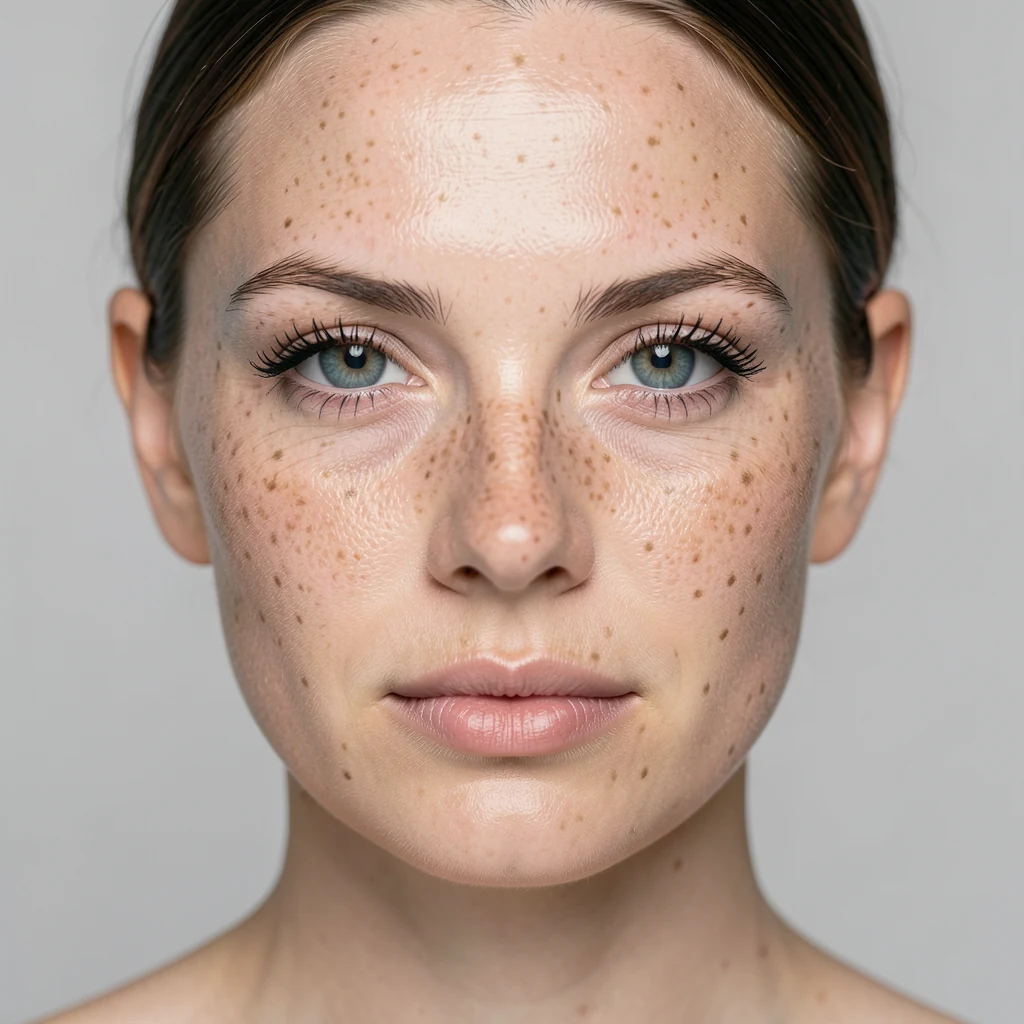
Portraits and avatars
Improve photos for profiles, resumes, websites, or social media.
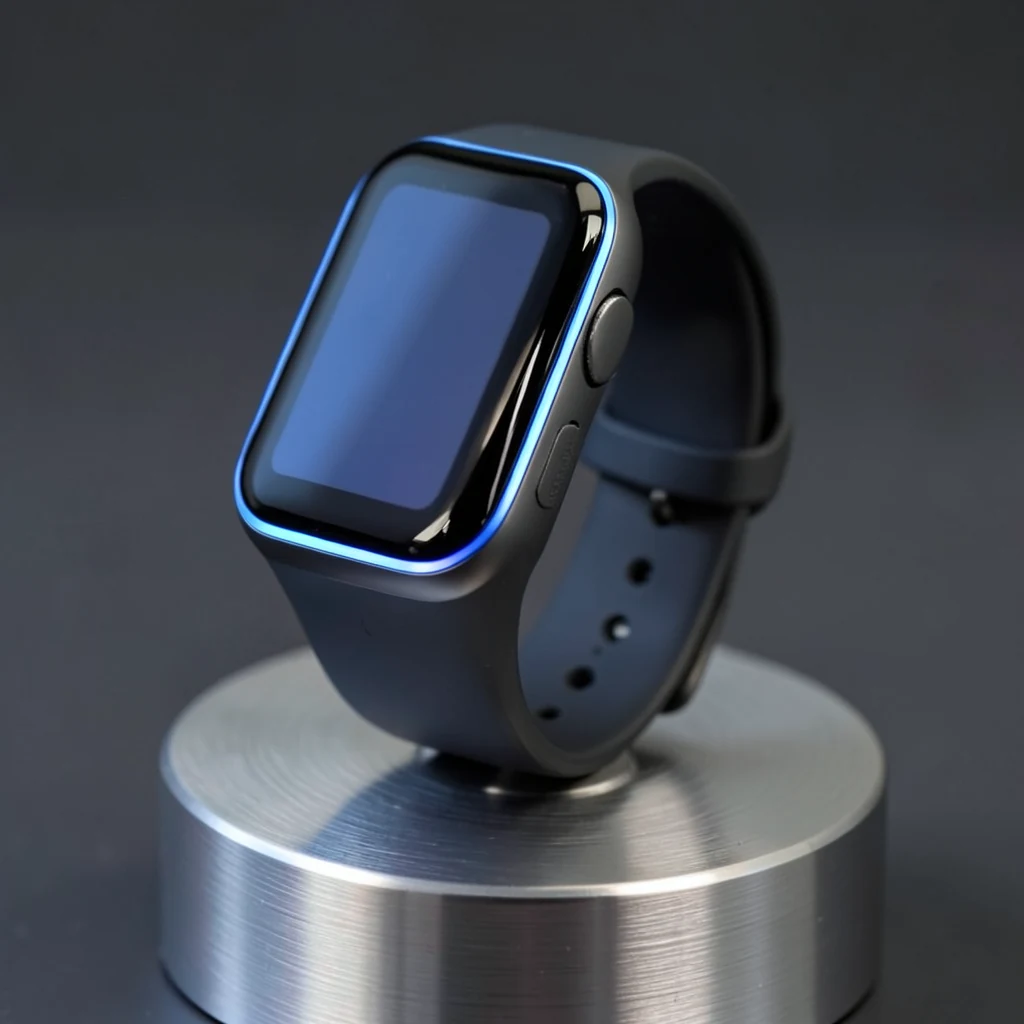
Products and ads
Prepare product images for marketplaces, banners, or catalogs.
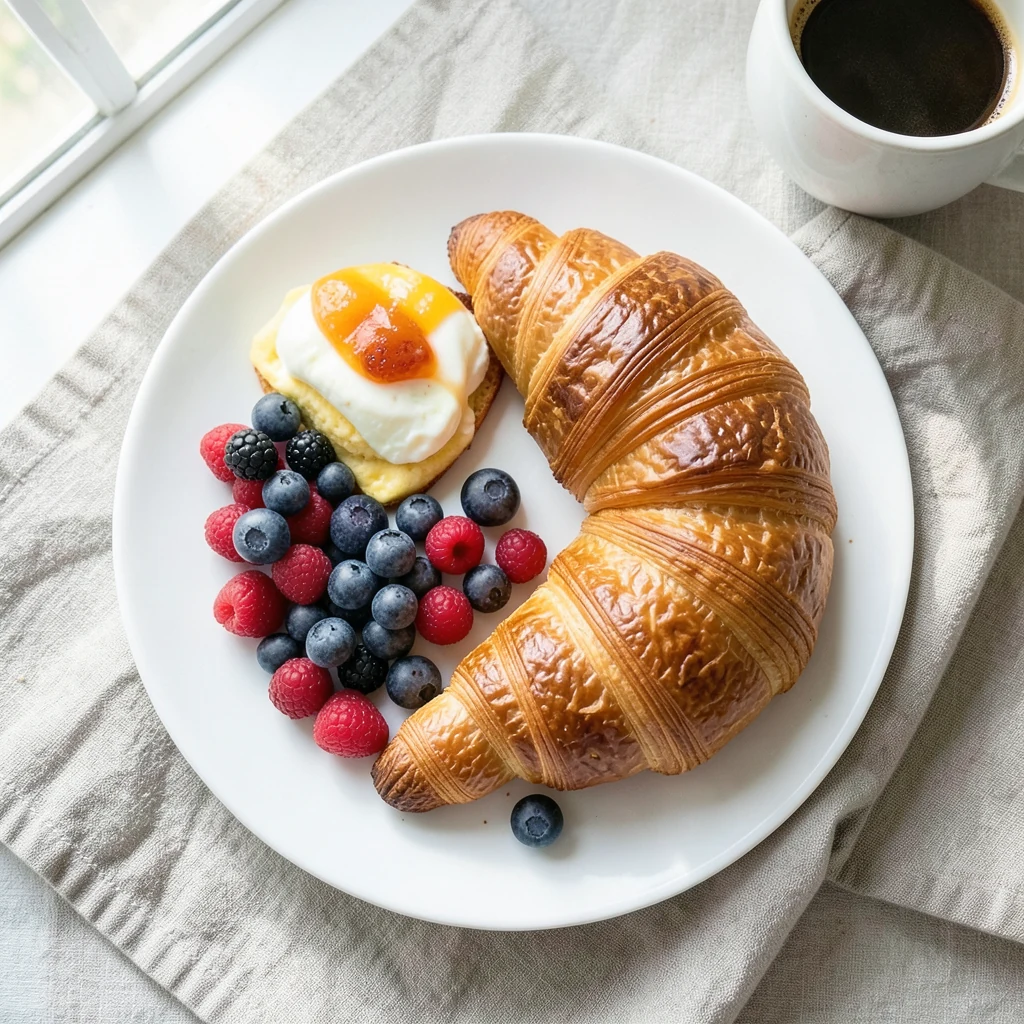
Menus and posts
Create content for restaurants, delivery, stories, or promo posts.
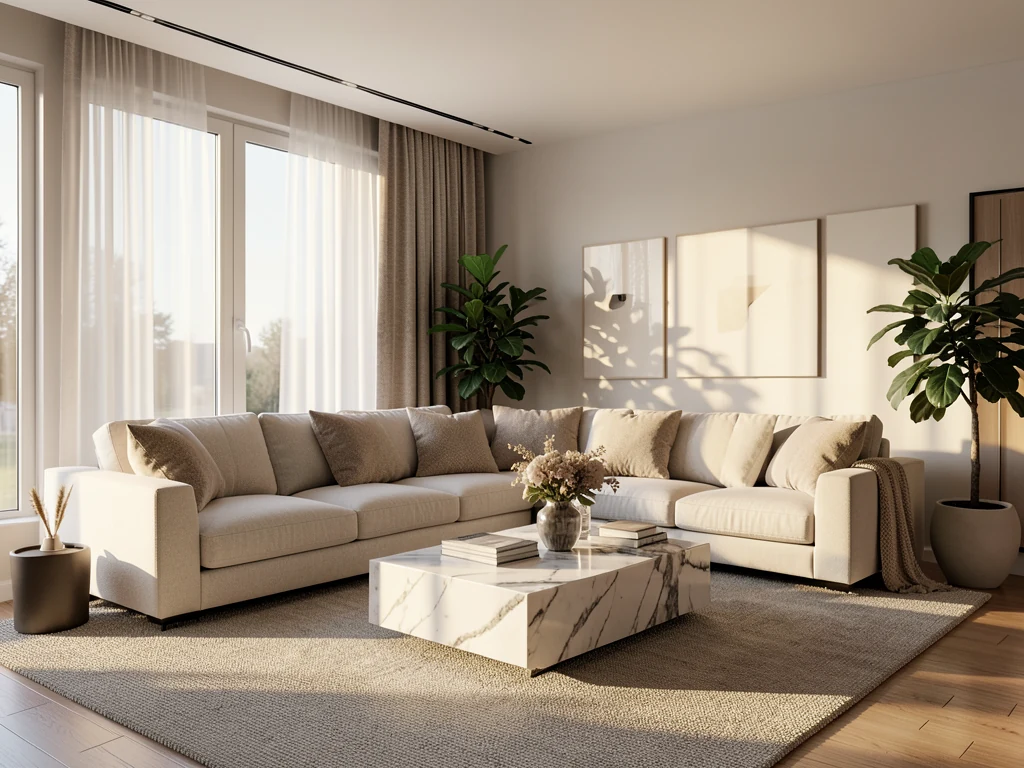
Real estate
Cleaner interior photos for listings, presentations, and sales pages.
Open a photo in Upscale and continue editing
After upload, your photo opens in the workspace, where you can enhance quality and keep editing right away.