
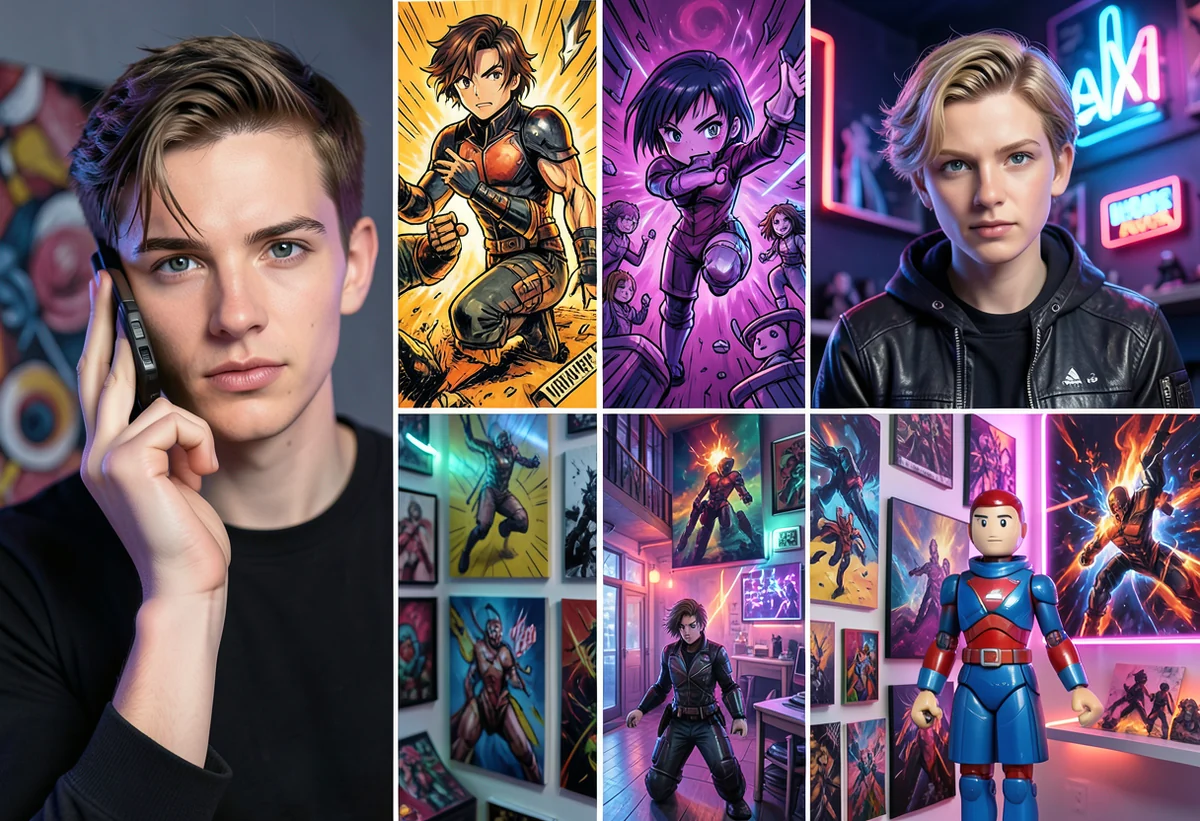
Comic book
Graphic ink, bold lines, and advertising-friendly color.
Choose a style, apply it to your photo, and keep editing in Fotve with layers, text, backgrounds, export settings, and manual control.
Upload a photo and open the editor directly on the AI filters panel.
Anime, cartoon, toy-look, artistic, fantasy, sci-fi, and campaign-ready styles are easier to choose visually.
Graphic ink, bold lines, and advertising-friendly color.
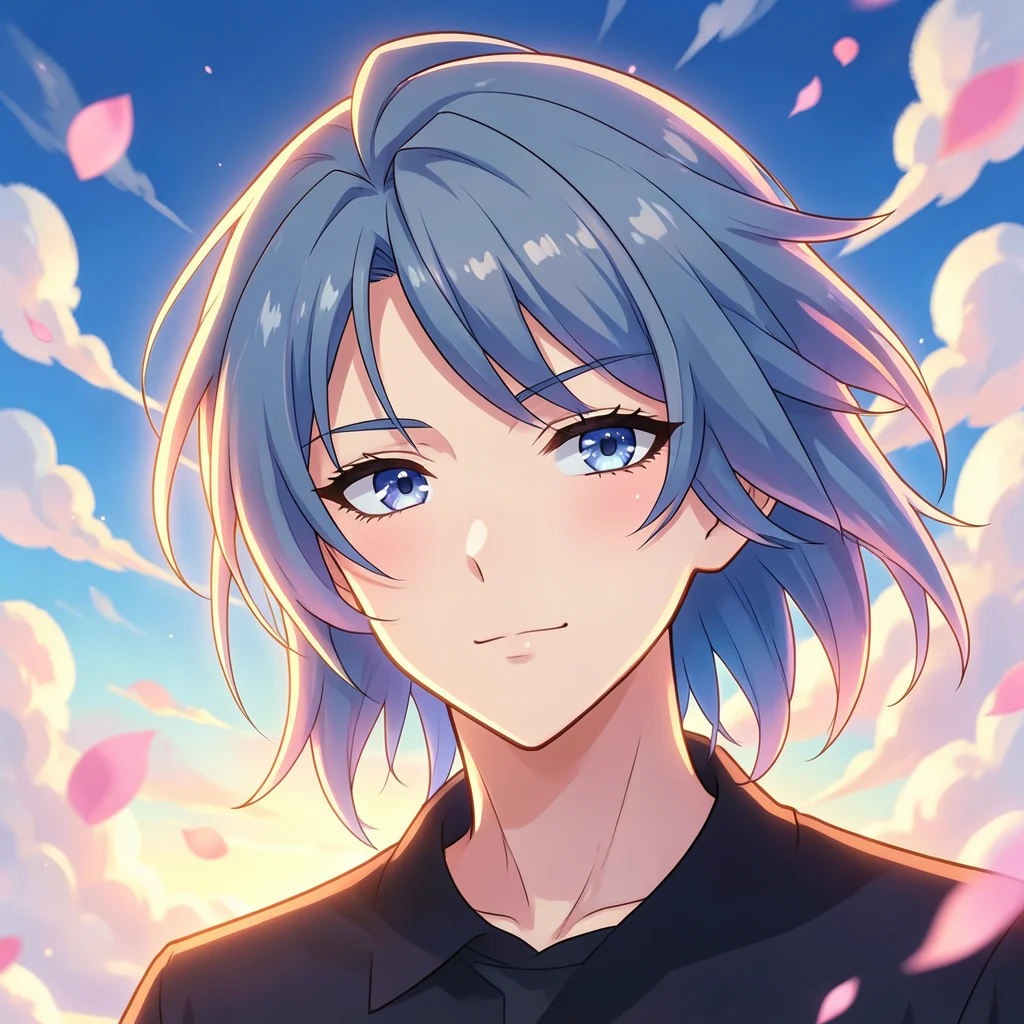
Clean stylized character rendering with expressive details.
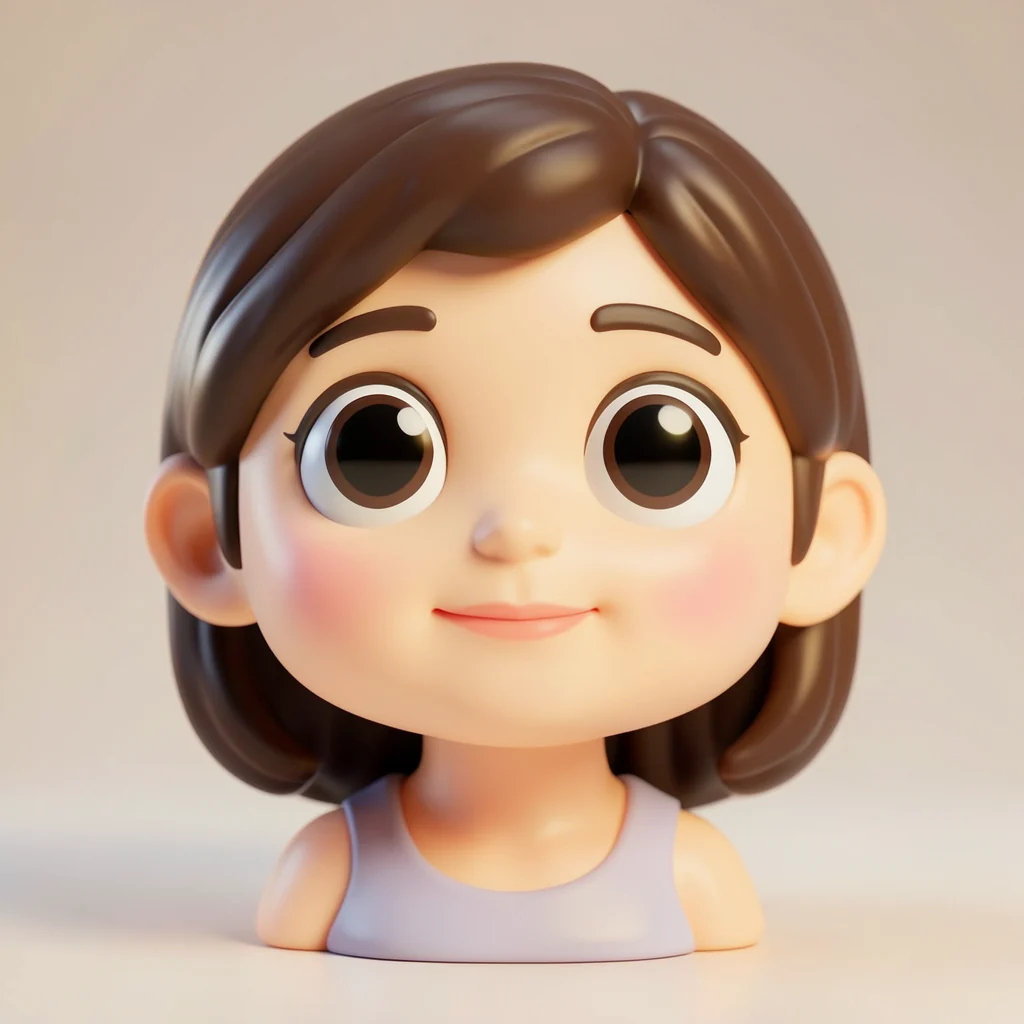
Soft 3D collectible style for playful visuals.
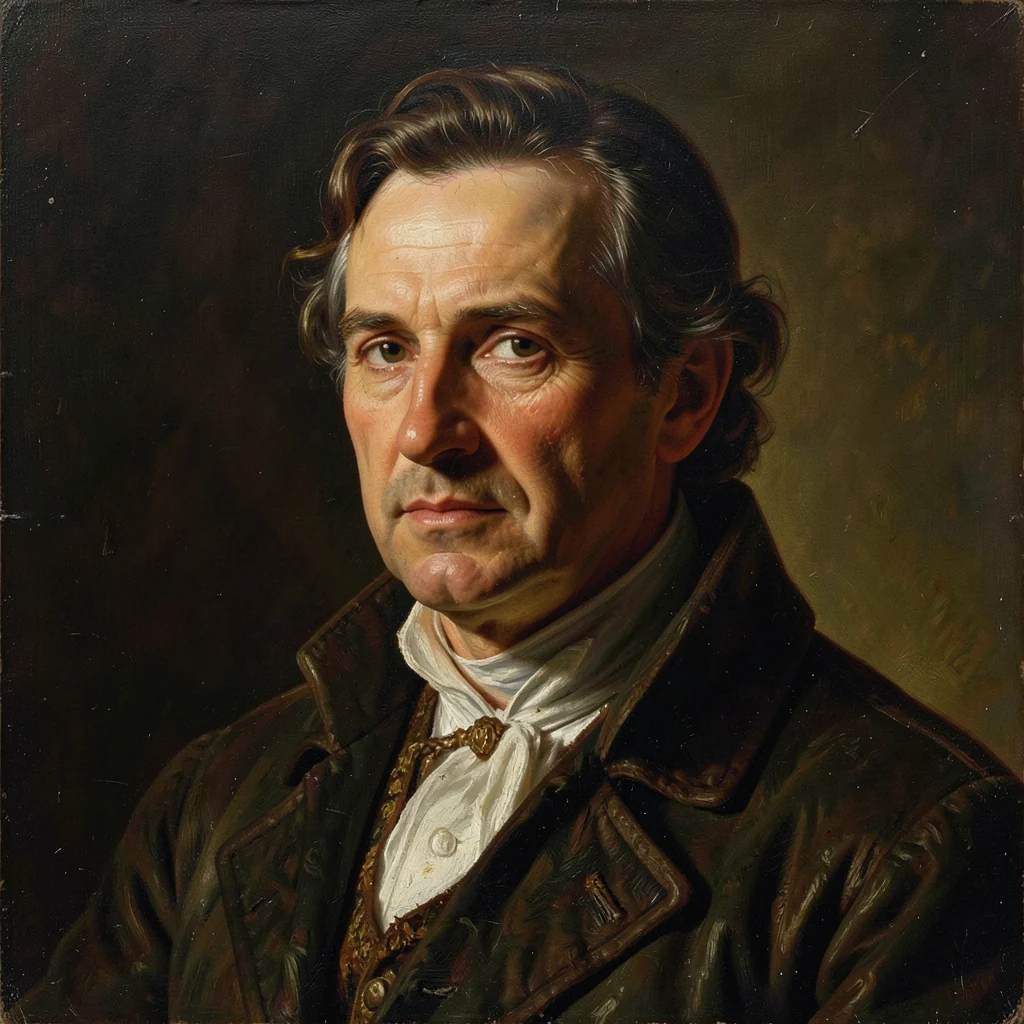
Painterly texture and classic art direction.
Choose the photo or layer you want to stylize.
Visual presets help you pick the right style quickly.
Apply the stylized result to the canvas and return to the original from history when needed.
Choose a style, apply it to a photo, and get a finished visual for a profile, post, or campaign.