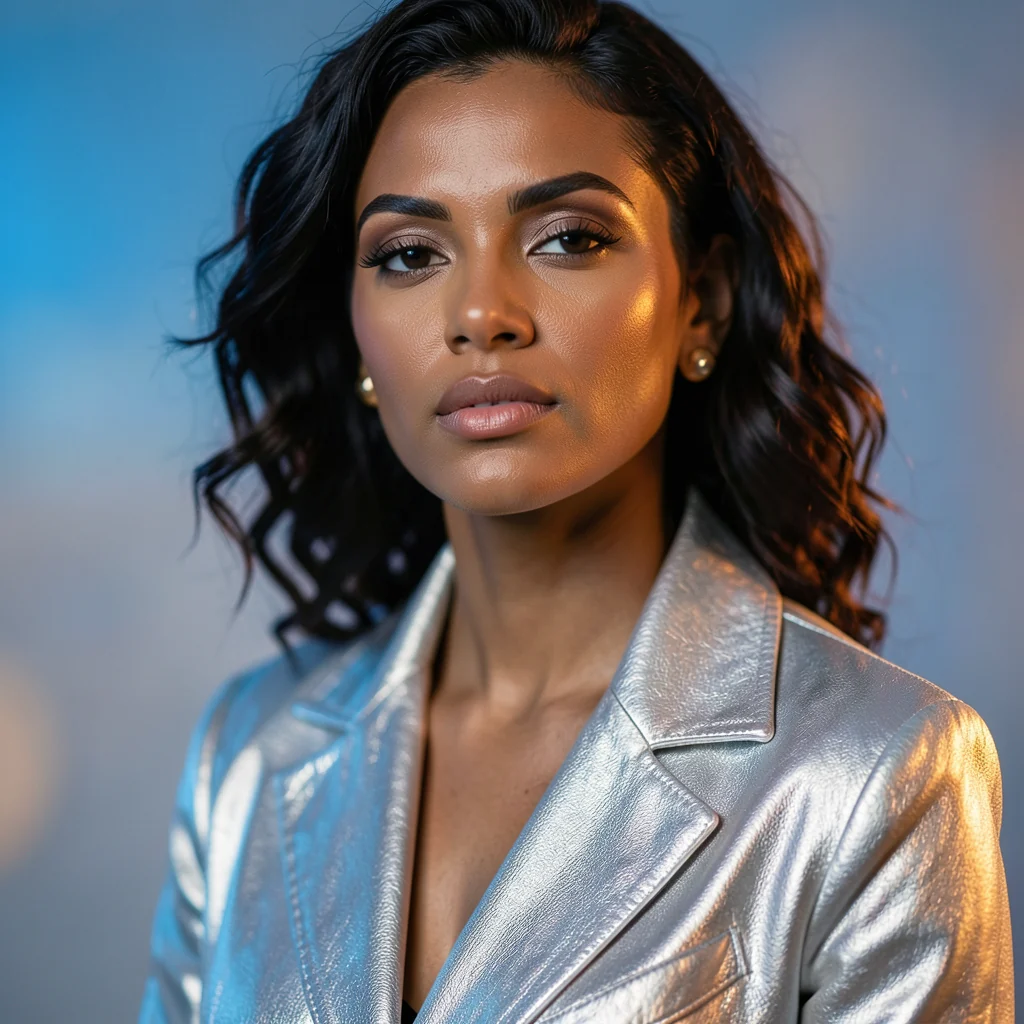
Cinematic portrait
A hero-style portrait for covers, profiles, and campaign concepts.
Turn a short prompt into a polished image, then continue in the editor with text, layers, templates, backgrounds, and export settings.
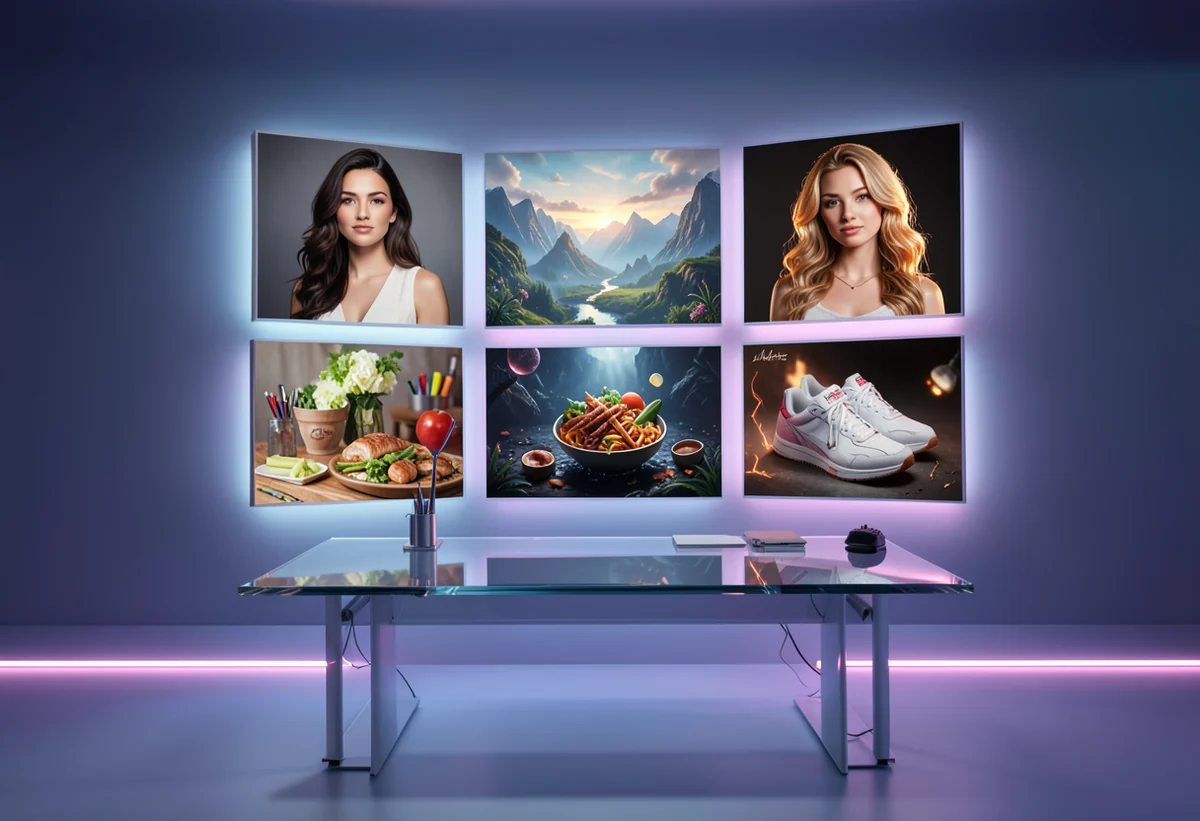
Use it for product mockups, moodboards, ad concepts, thumbnails, social posts, posters, and creative exploration.
A hero-style portrait for covers, profiles, and campaign concepts.
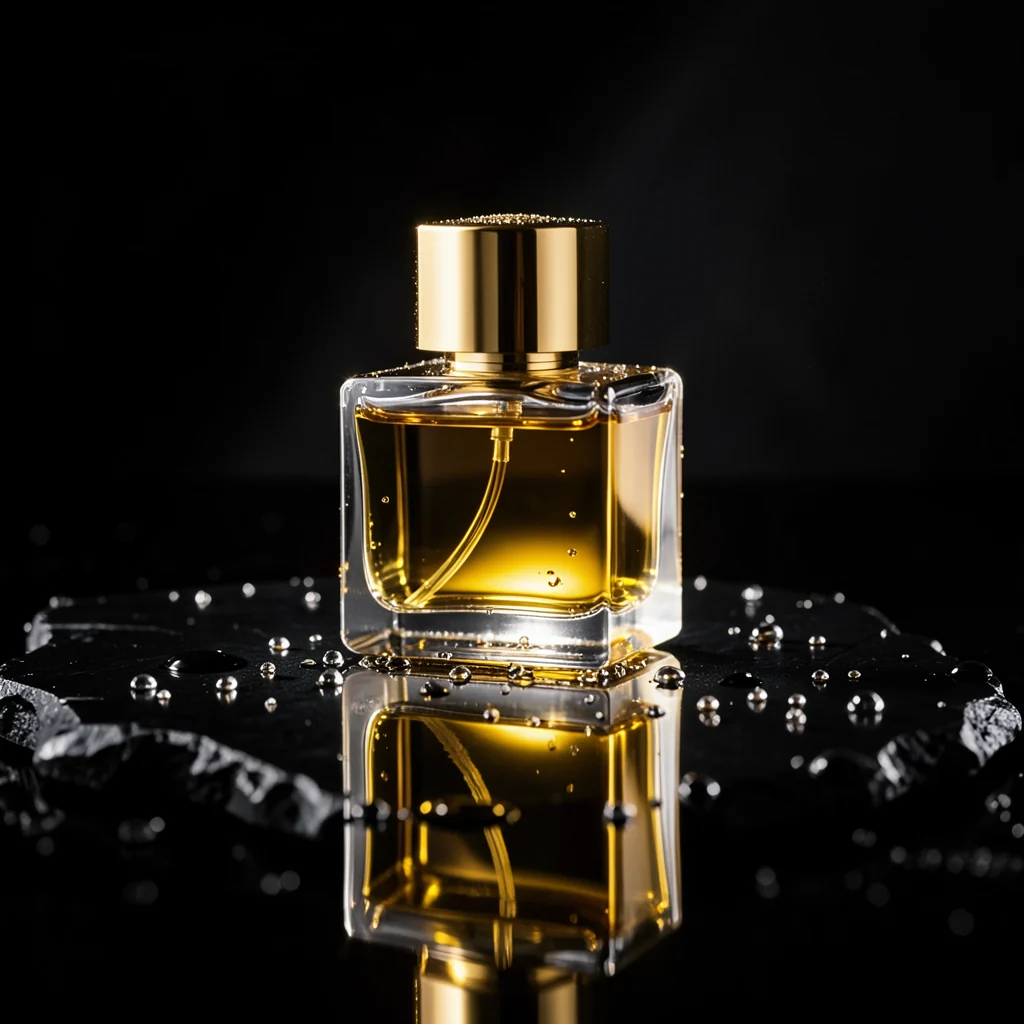
A premium product shot without arranging a real studio.
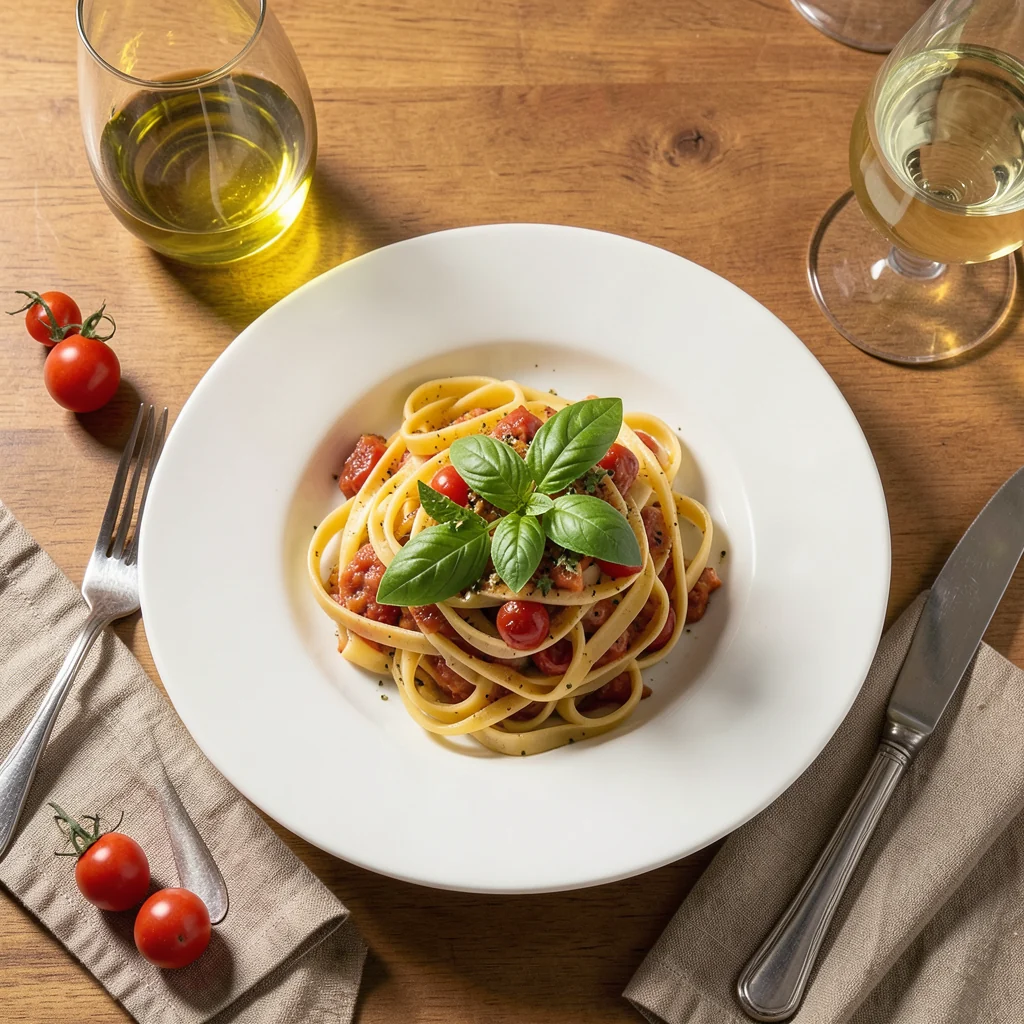
Warm social content for restaurants, delivery, and menu promos.
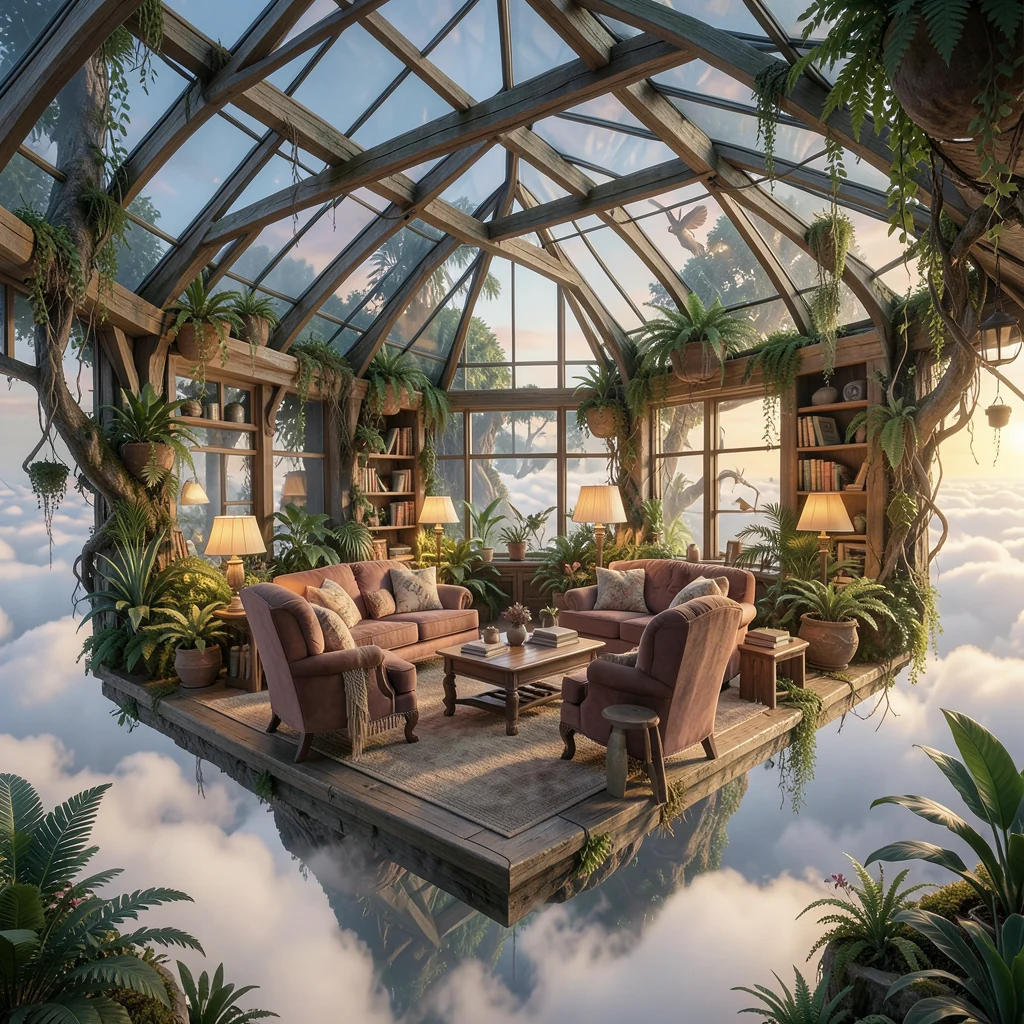
Moodboard-quality visuals for property, design, or decor.
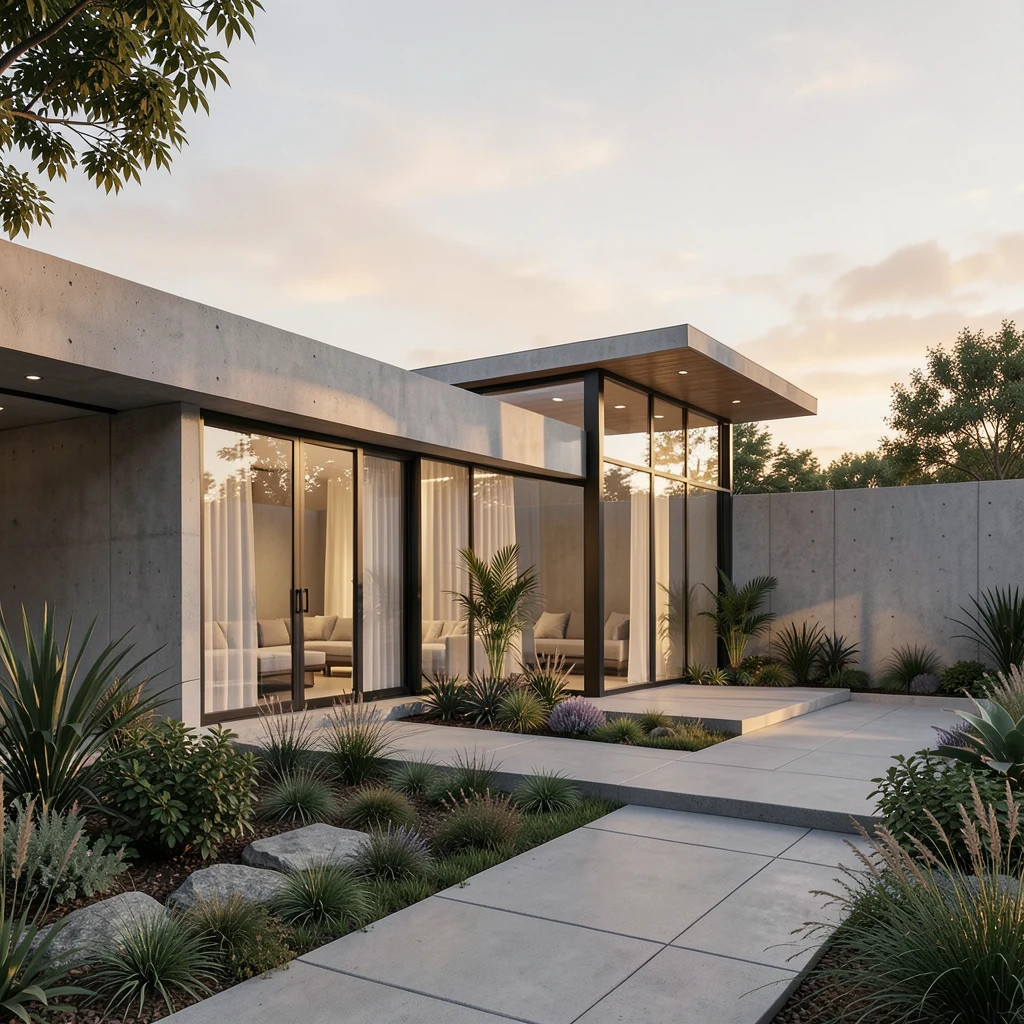
A premium exterior visual for real estate, design, and presentations.
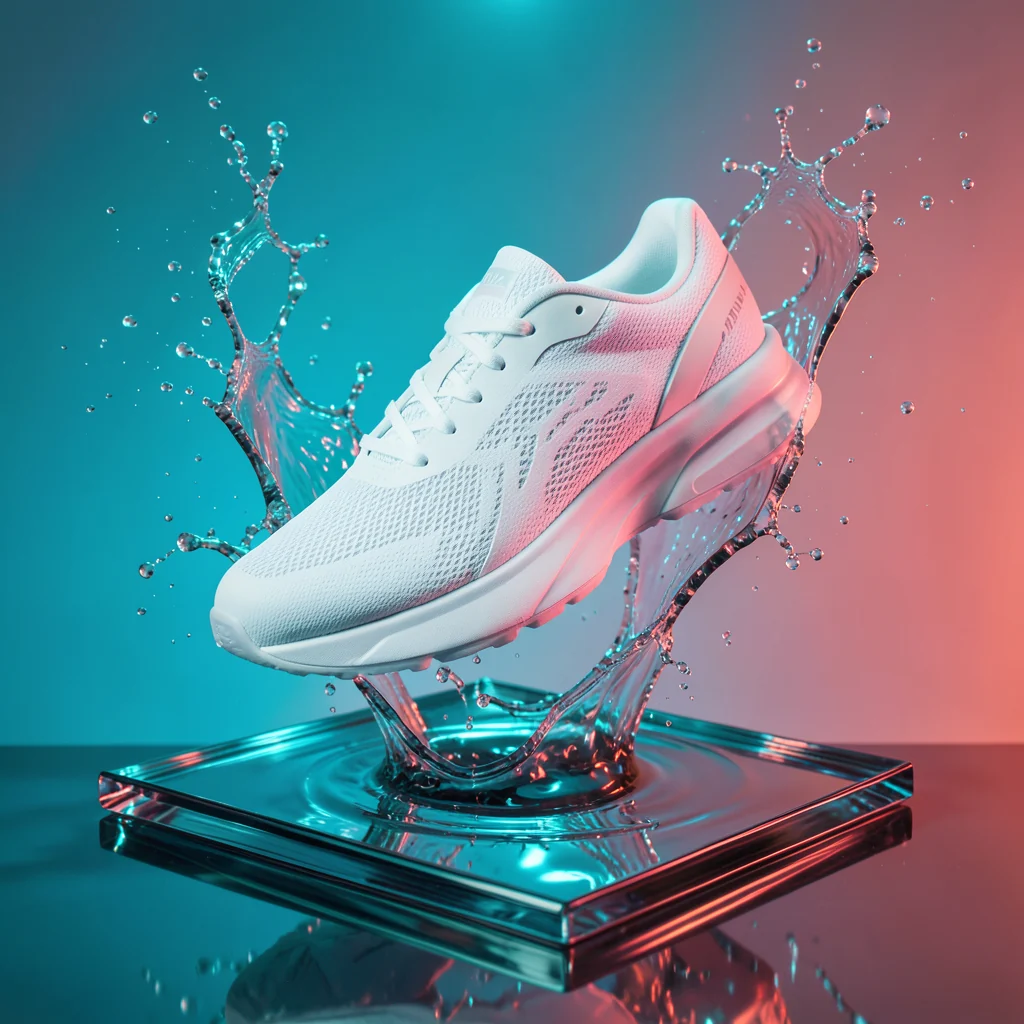
Bold product energy for drops, banners, and ads.
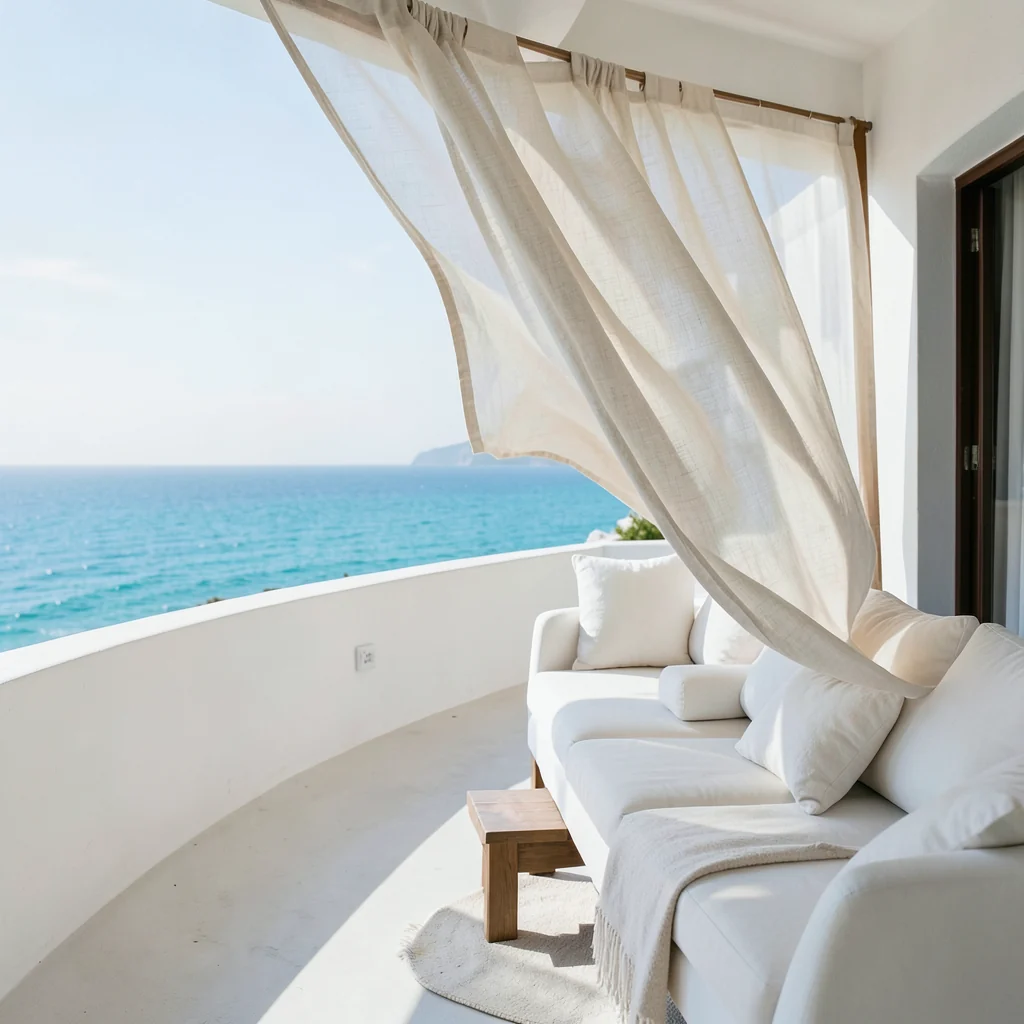
Atmospheric visuals for routes, hotels, tours, and stories.
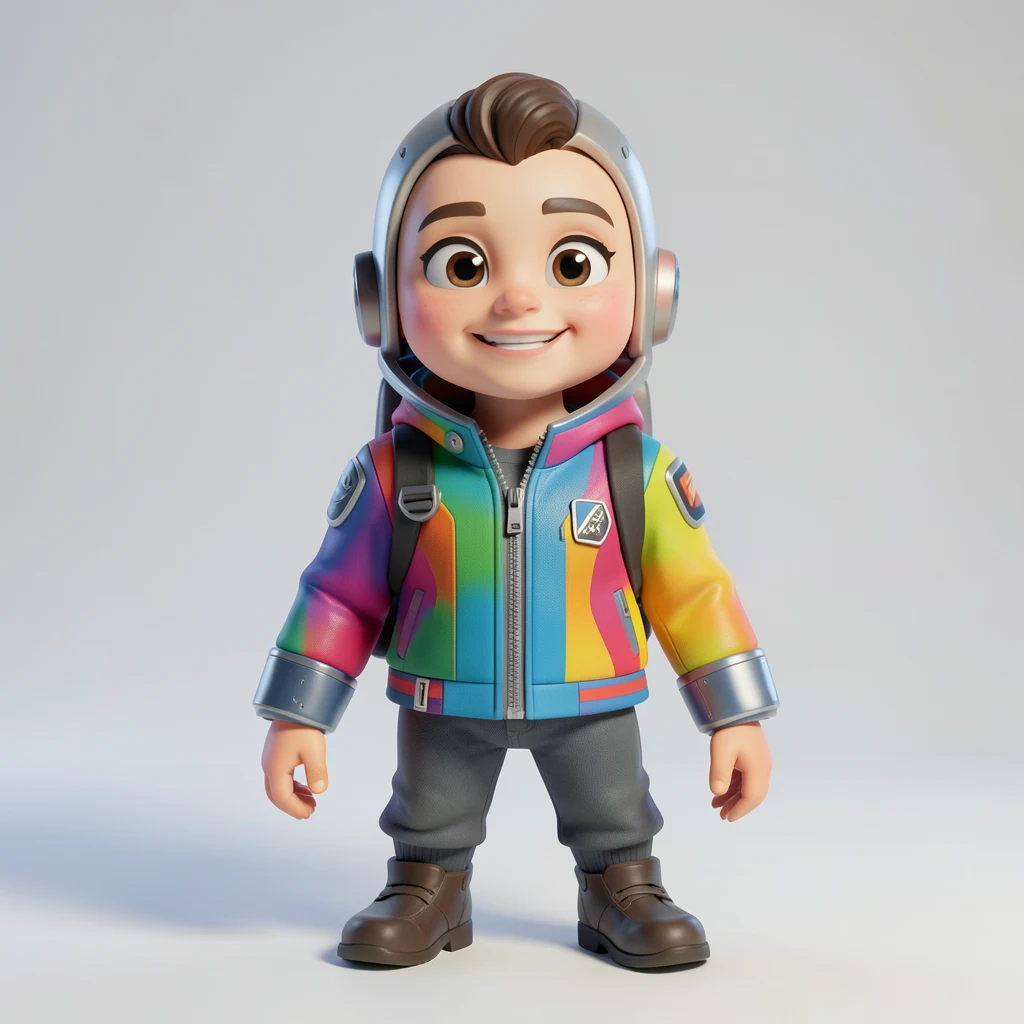
A polished character concept for games, mascots, and storytelling.
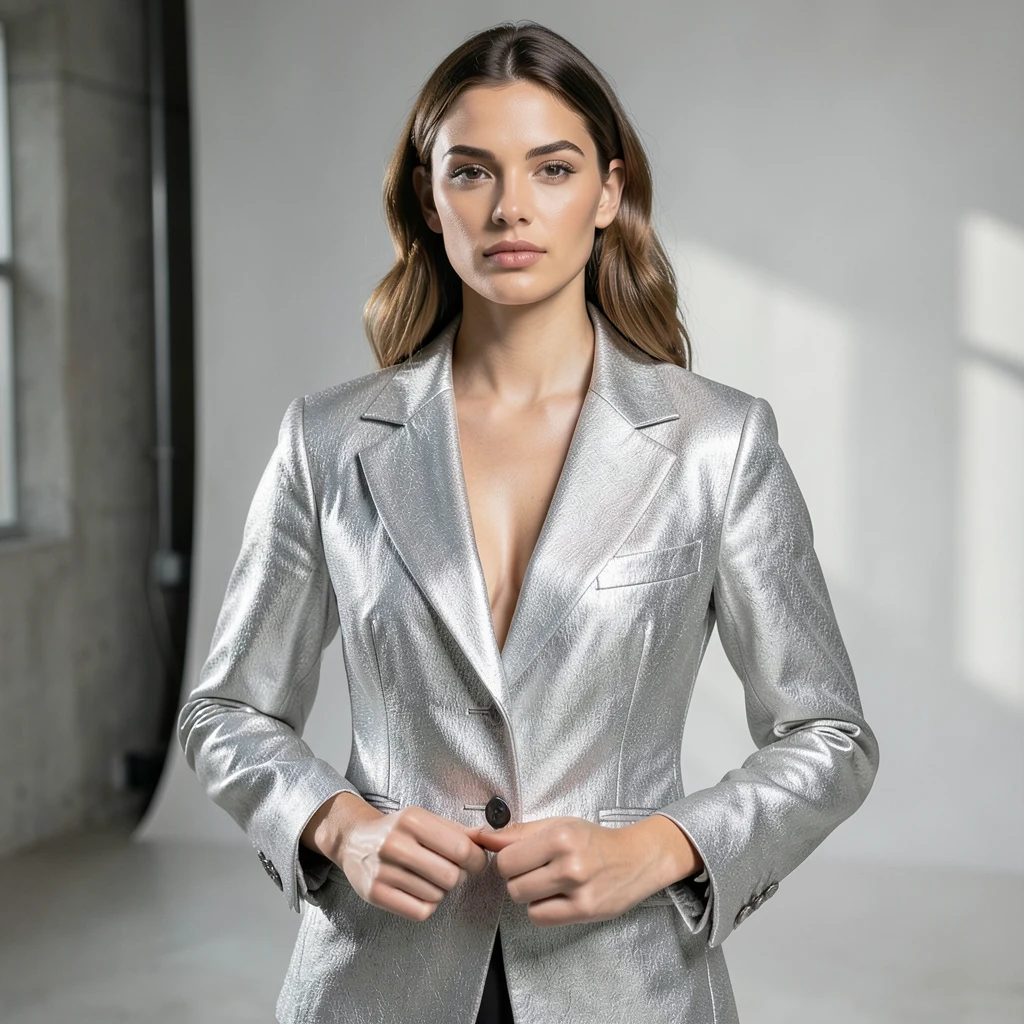
A polished campaign visual for posts, covers, and creative directions.
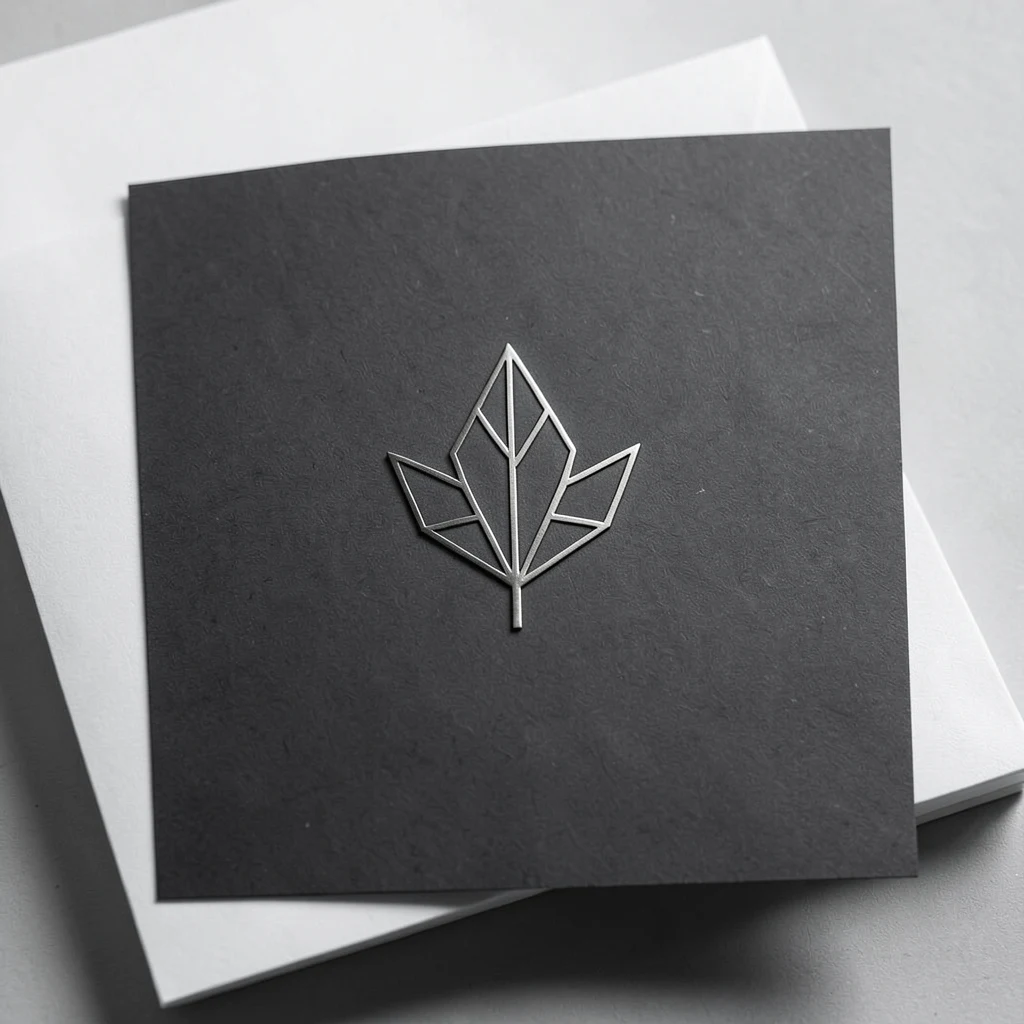
A quick direction for branding, badges, marks, and visual identity.
Write what should appear in the frame, the mood you need, and the visual style the result should follow.
Create a visual direction and pick the strongest result.
Add text, crop, effects, background, shadows, and export for the platform.
Start with a prompt, get the first result, and refine it for the format you need.