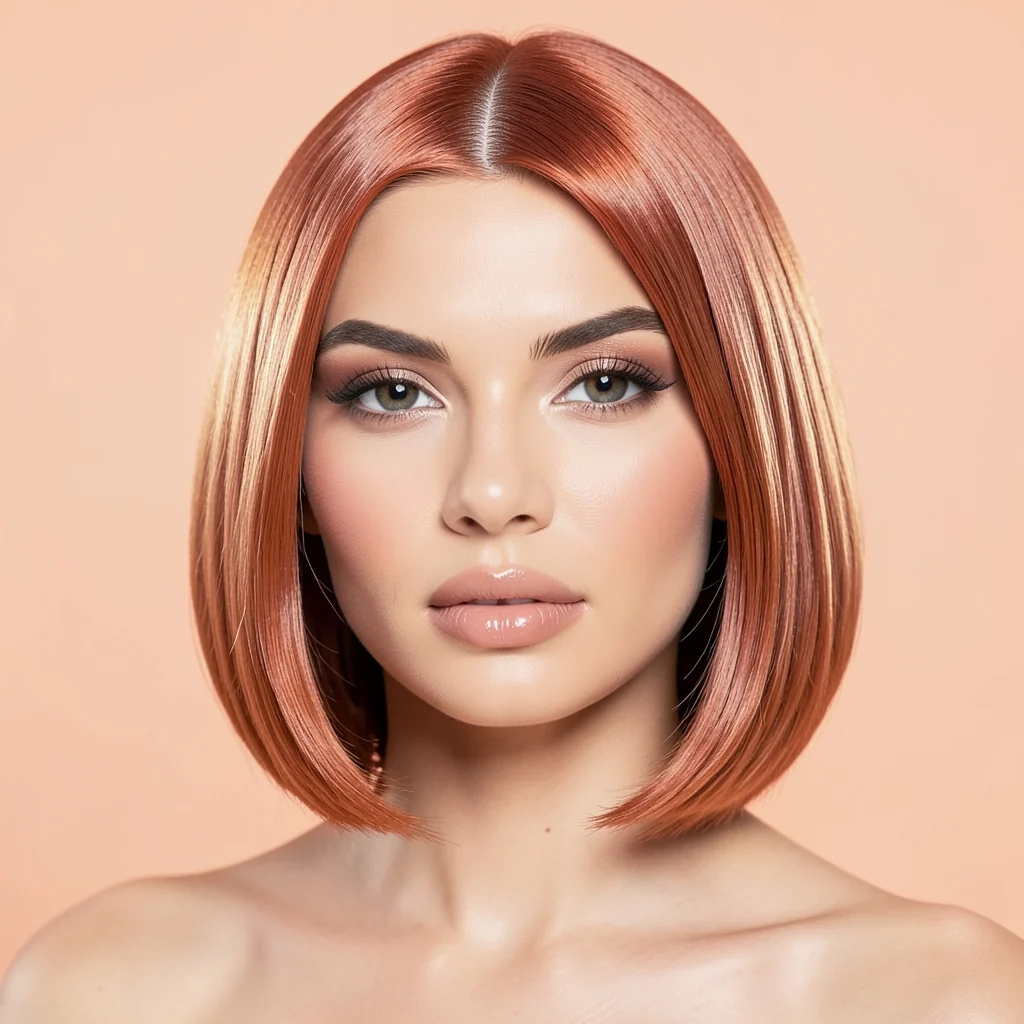
Copper bob
Shorter warm style with a clean salon-ready silhouette.
Upload a portrait, choose a hairstyle preset, and test realistic hair changes while preserving face, light, and identity.
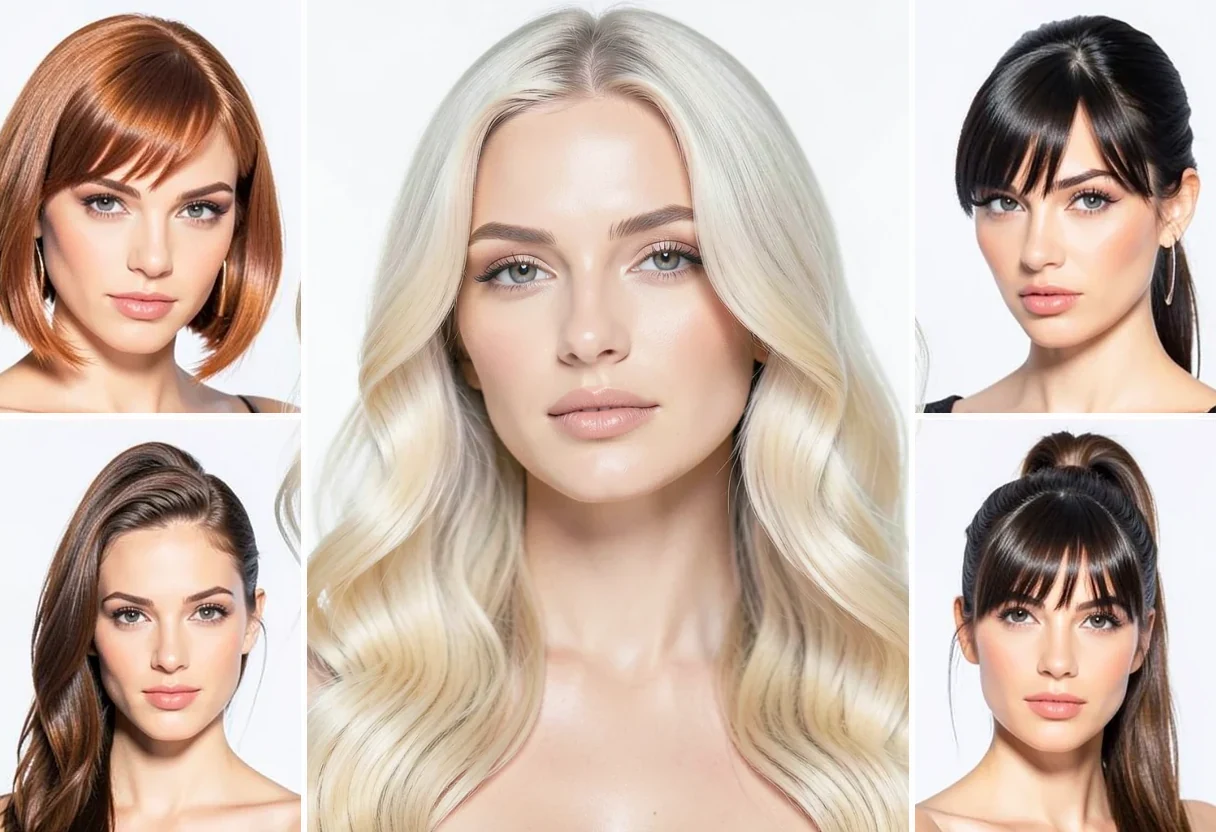
Best with a clear face photo and visible hair. The editor opens with hair presets ready.
Use it for beauty previews, creator content, salon ideas, profile experiments, and campaign visuals.
Shorter warm style with a clean salon-ready silhouette.
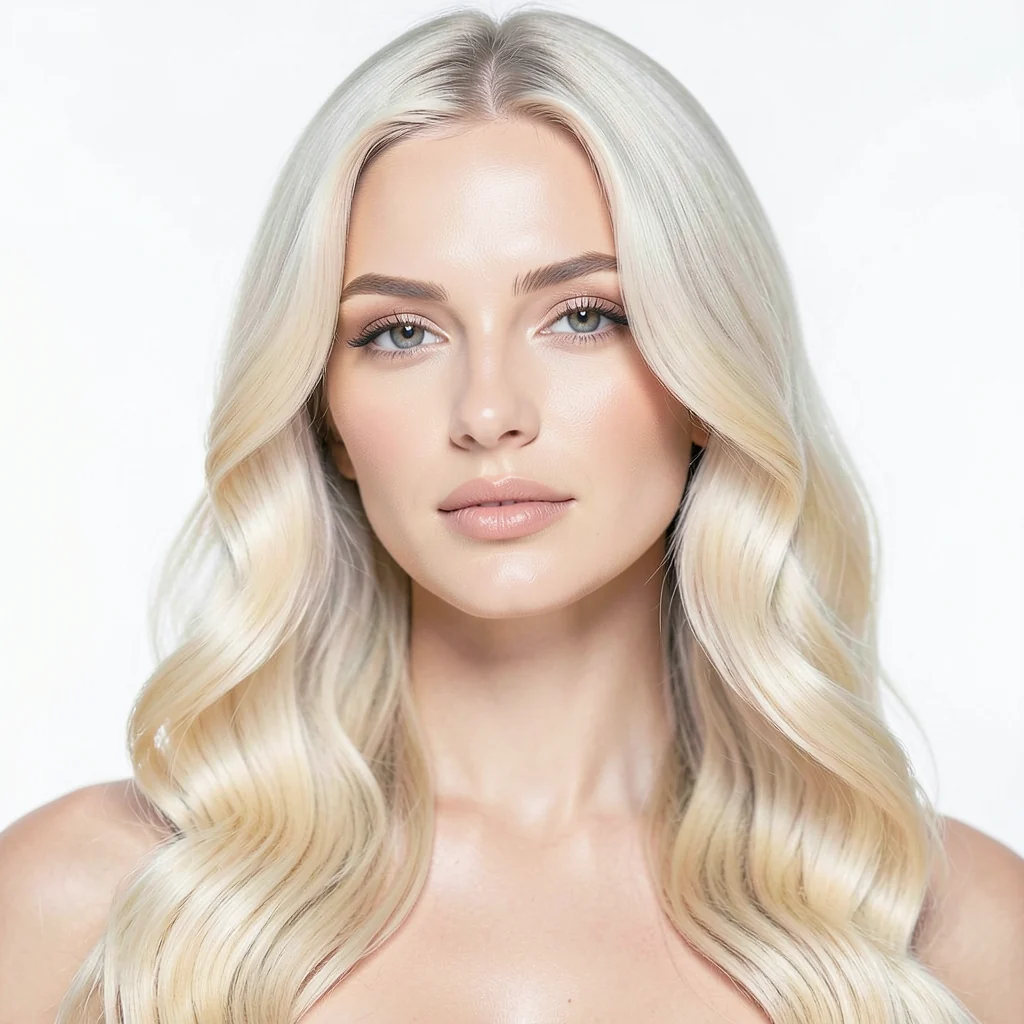
Soft premium blonde styling for fashion and beauty content.
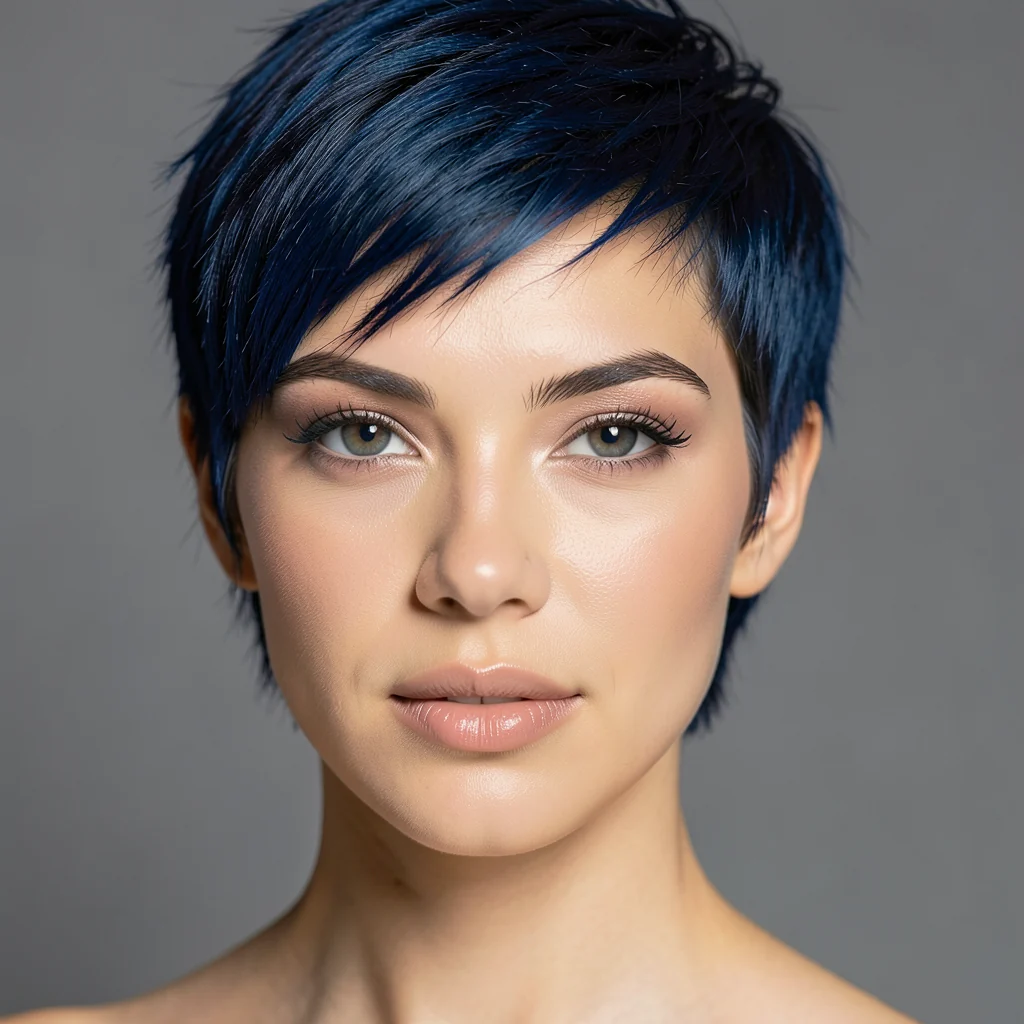
Bold creative haircut for expressive campaign looks.
A sharp face photo with visible hair gives cleaner results.
Use presets instead of writing prompts from scratch.
Replace the layer, compare, undo, or continue editing.
Choose a hairstyle, preview the result, and finish the portrait in the editor.