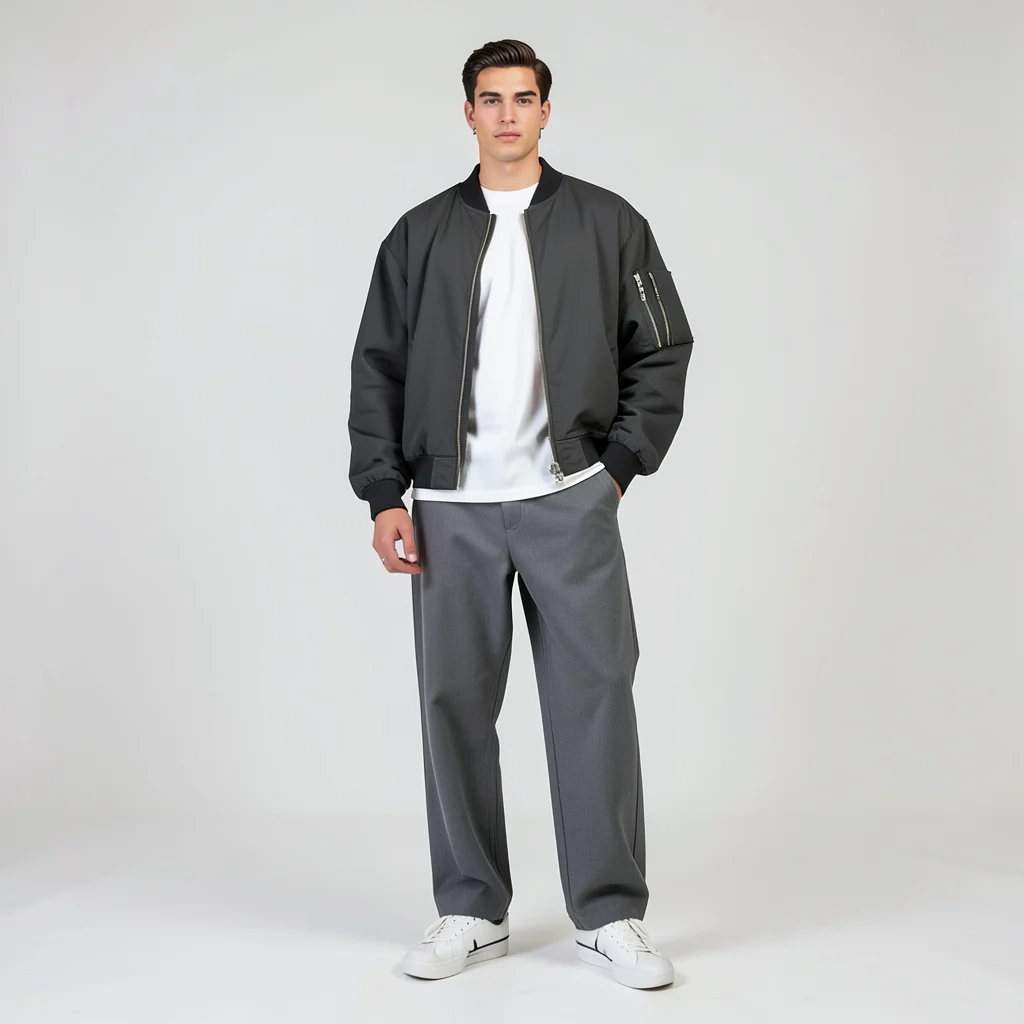
Streetwear
Relaxed outfits for creator posts, street campaigns, and casual visuals.
Upload a portrait, choose an outfit preset, and Fotve opens the editor with the clothing tool ready for generation.
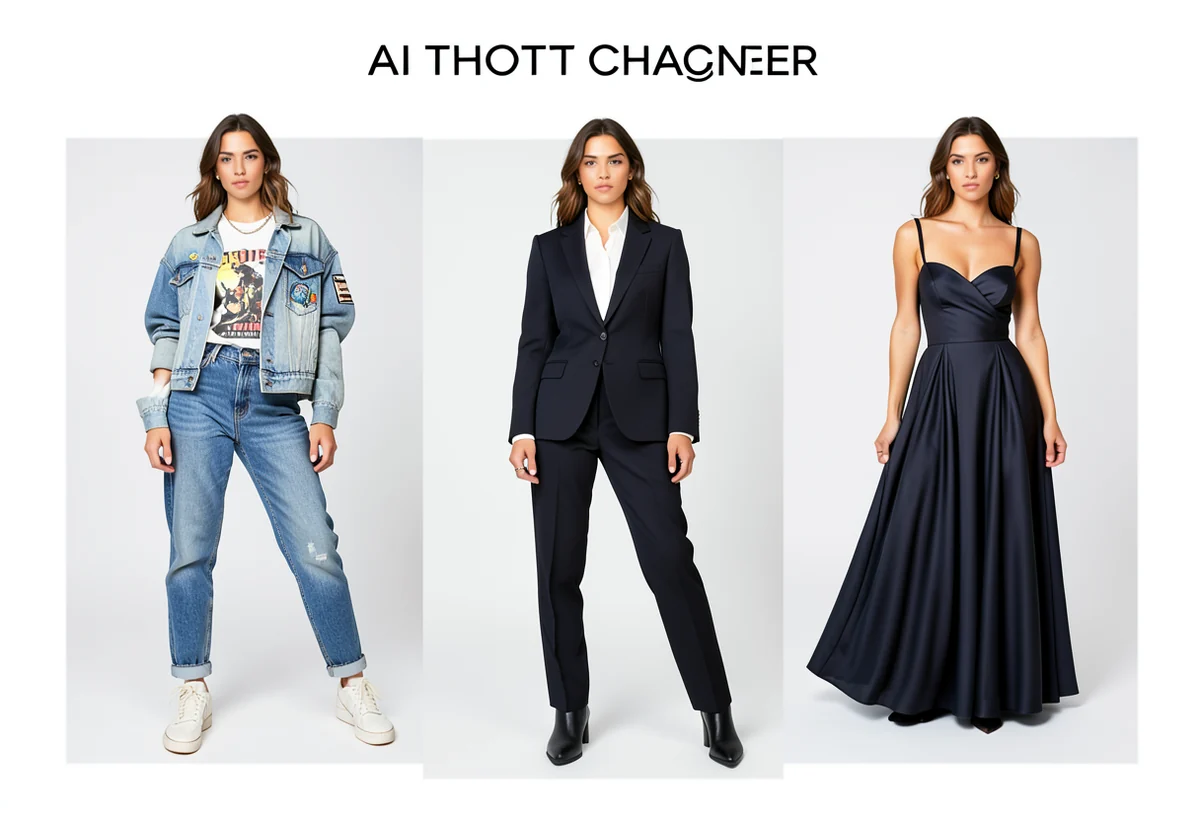
Use a clear portrait or full-body image. We open the editor directly with AI clothing presets.
Useful for catalog tests, fashion moodboards, avatars, product posts, and quick visual experiments.
Relaxed outfits for creator posts, street campaigns, and casual visuals.
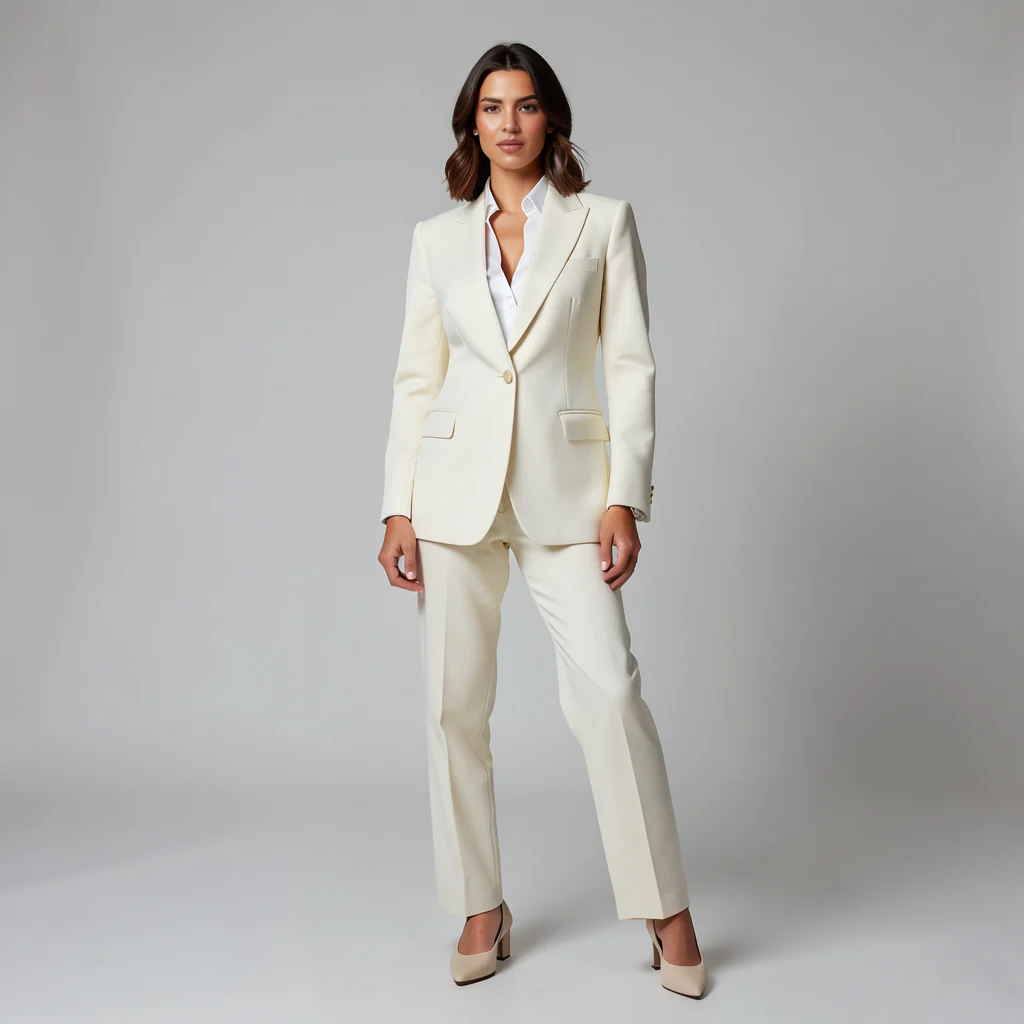
Blazers, shirts, and business styling for professional portraits.
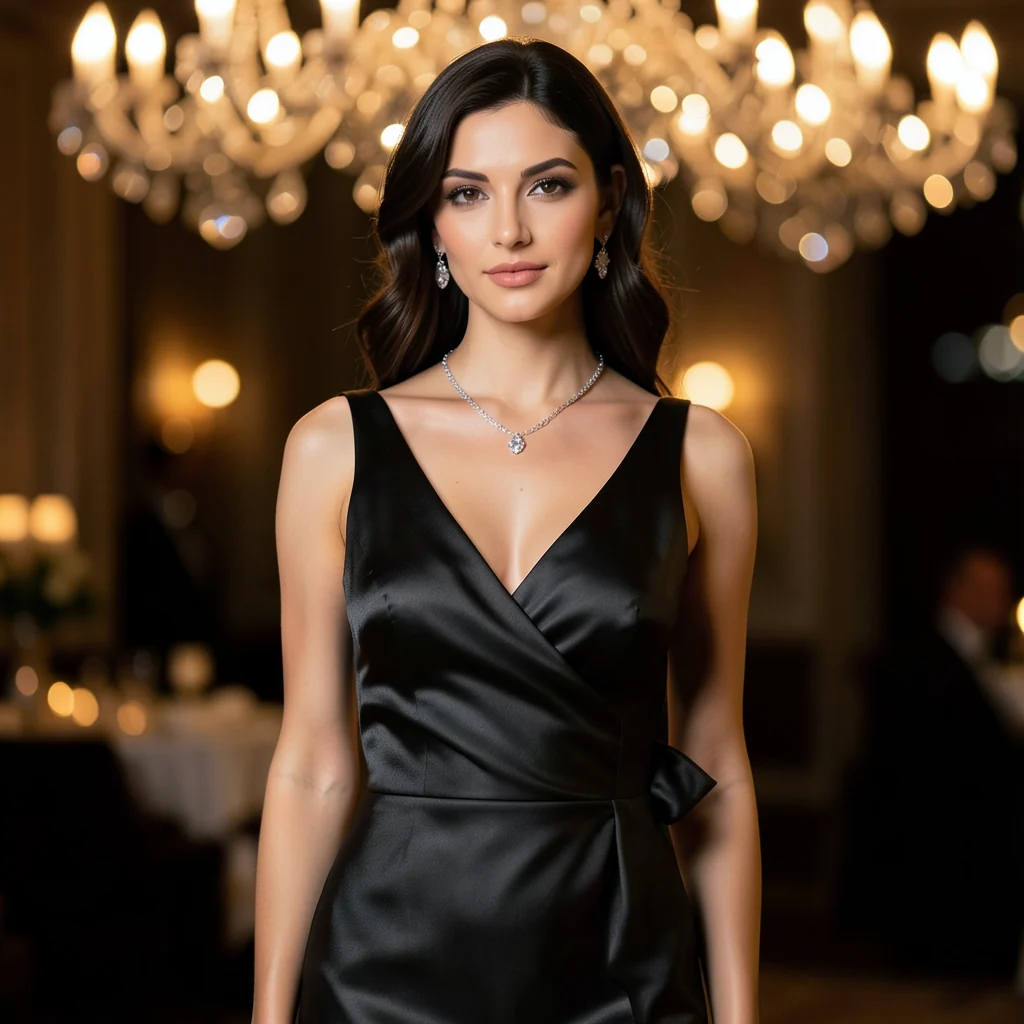
More polished styling for events, beauty posts, and premium campaigns.
Use a clear person image. Full body gives the best clothing result.
Choose clothing type, category, and color inside the AI panel.
Apply the generated result to the same layer and continue editing.
Upload a photo, choose an outfit style, and get a new look you can finish directly in the editor.